Demo platform
Click through the back offices we build.
Three working demos, one for each kind of cannabis business. The stores and numbers are fictional, but every screen is the same software we build and run for cannabis companies, shaped around how each team works.
Dispensaries · delivery
The dispensary back office
Built on top of your POS: live sales, reorder calls, a deal studio with approval built in, loyalty, reviews, a morning briefing and in-store screens. 12 screens, all clickable live.
Start here
Sales
Buying
Marketing
Admin
01 / 12
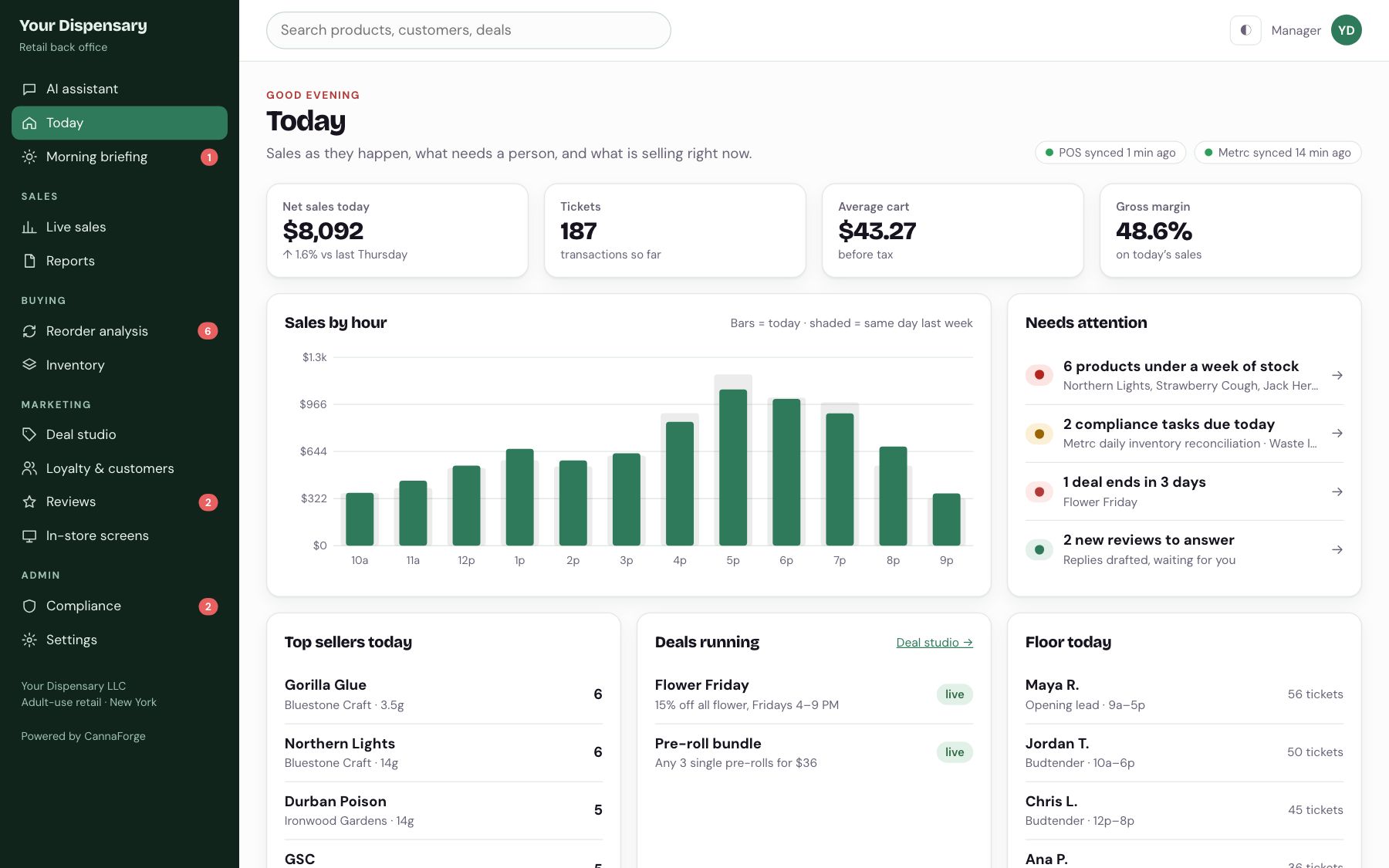
Today, live from the POS.
Net sales, tickets, average cart and margin, sales by hour against last week, and a list of what needs a person.
02 / 12
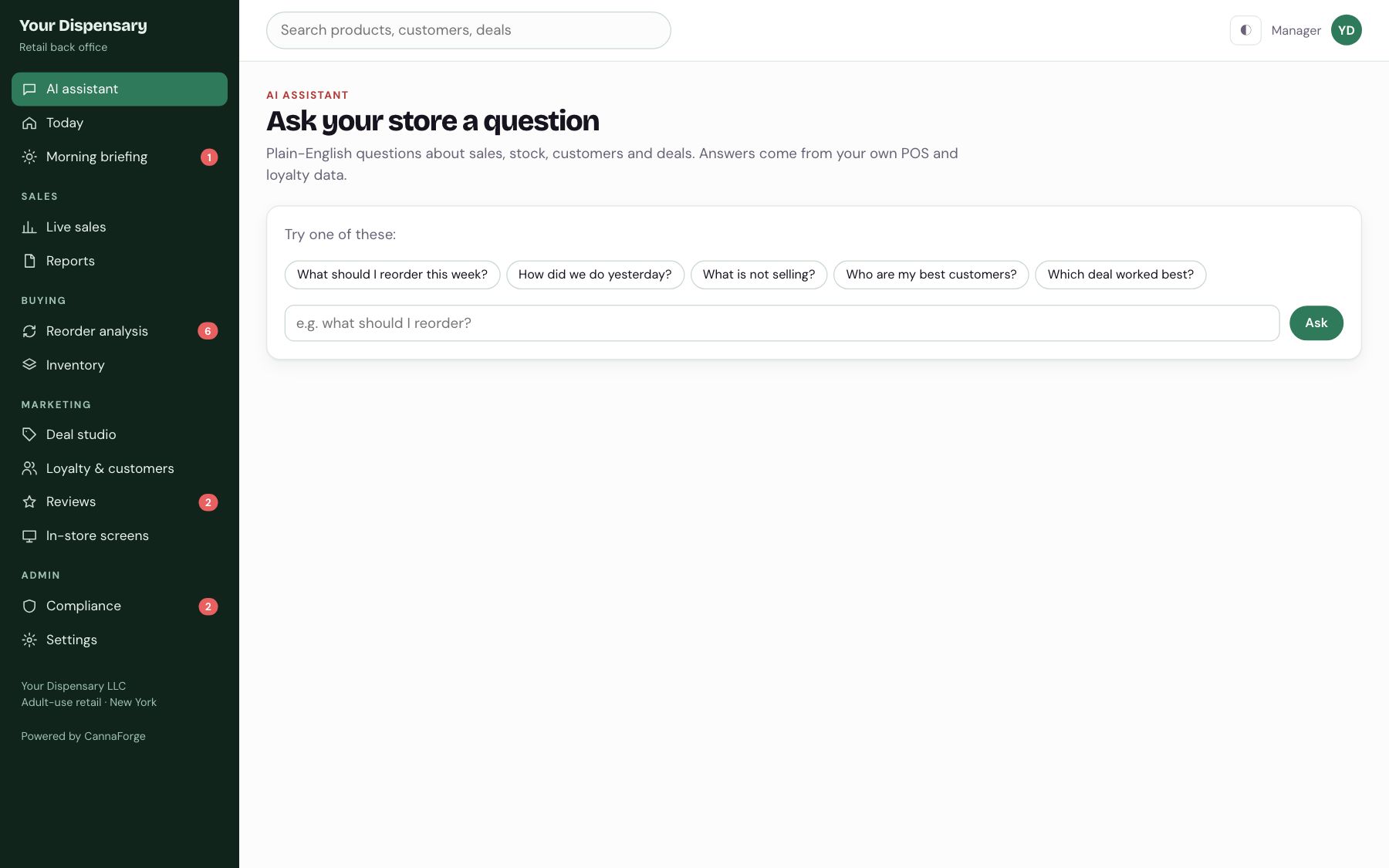
Ask your store a question.
What should I reorder? What is not selling? Answers come from your own POS and loyalty data.
03 / 12
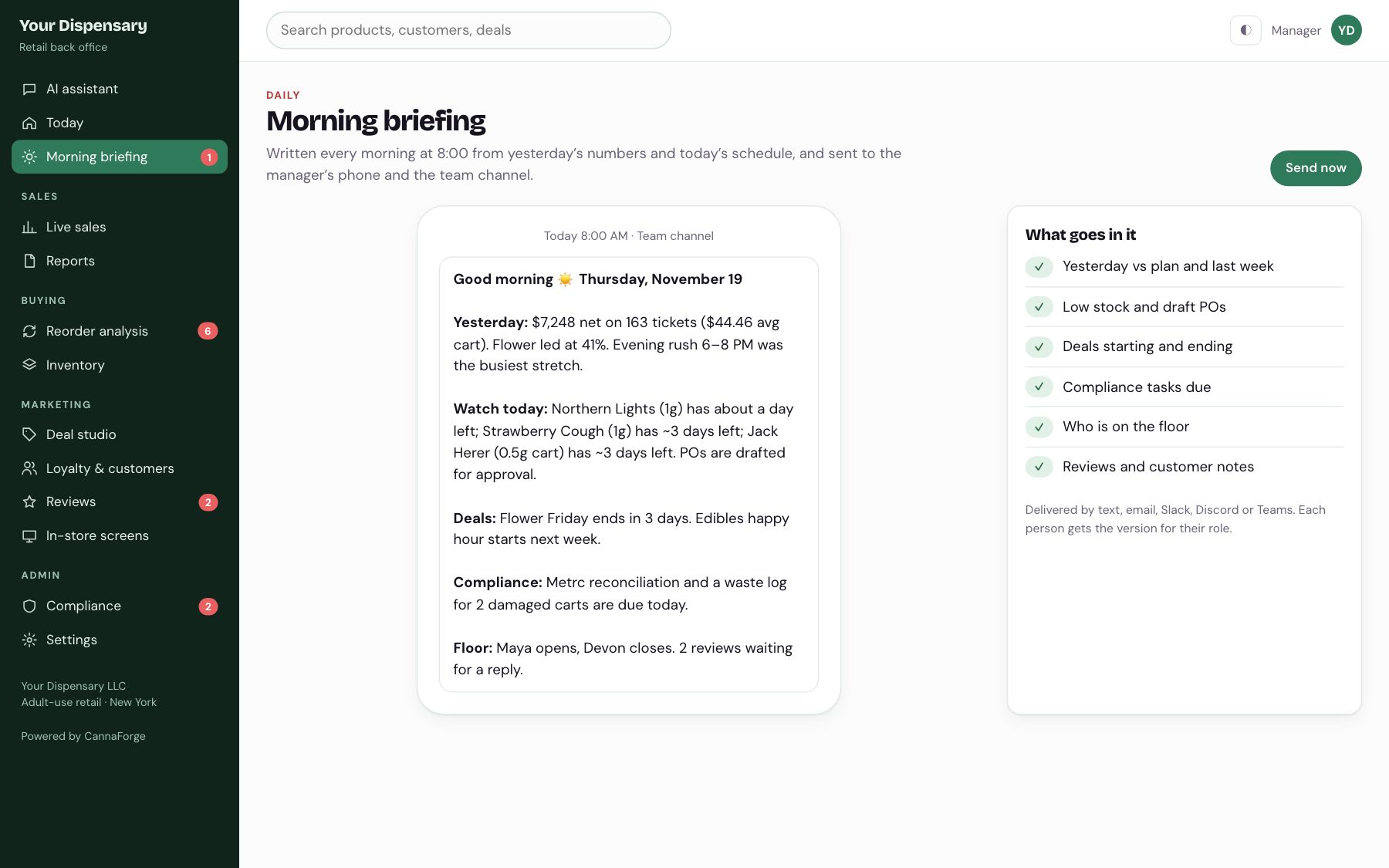
The day, written before you open.
Yesterday’s numbers, low stock, deals, compliance tasks and who is on the floor, sent to the team at 8:00.
04 / 12
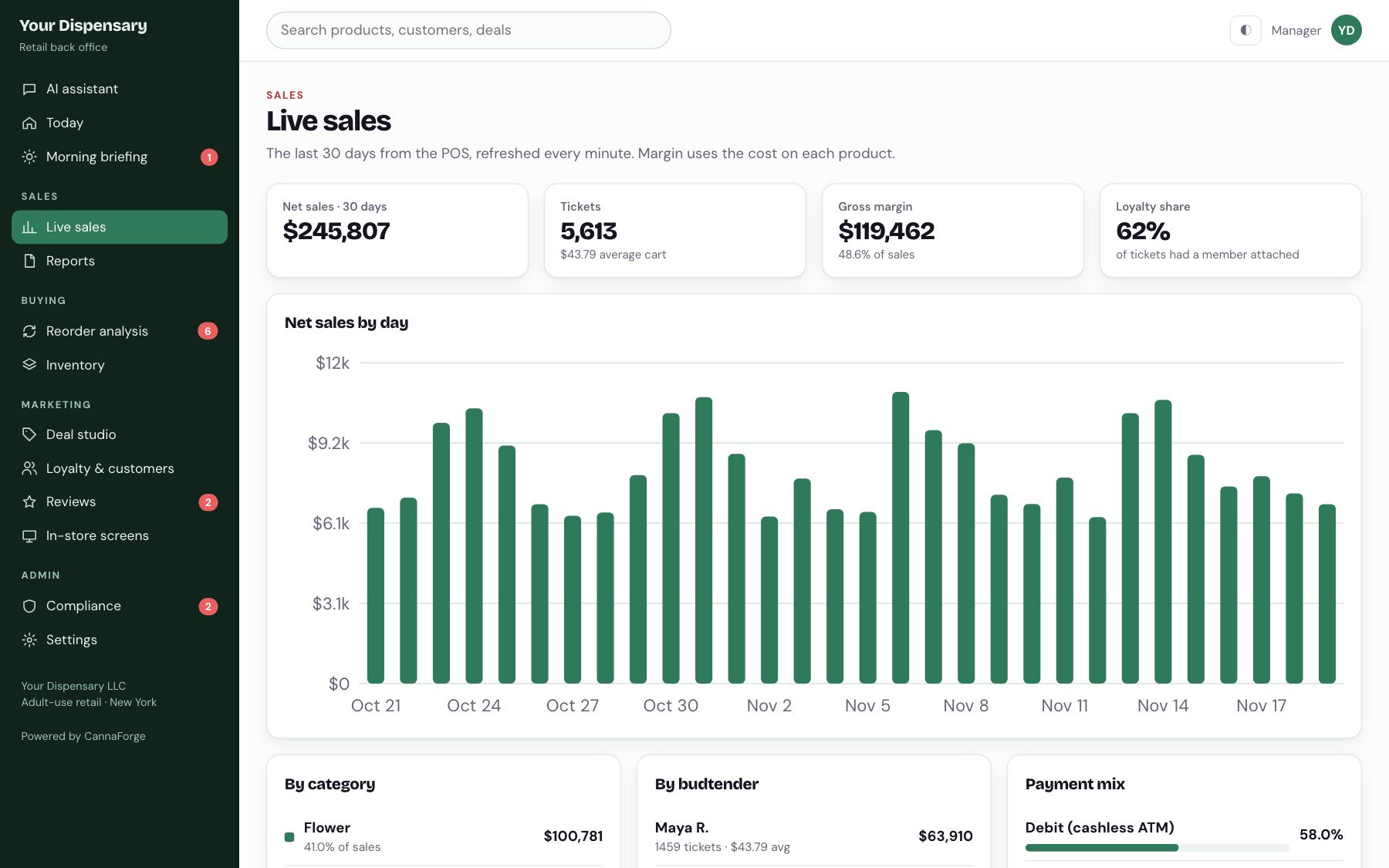
Thirty days, every way you slice it.
Sales by day, category, budtender and payment type, refreshed every minute.
05 / 12
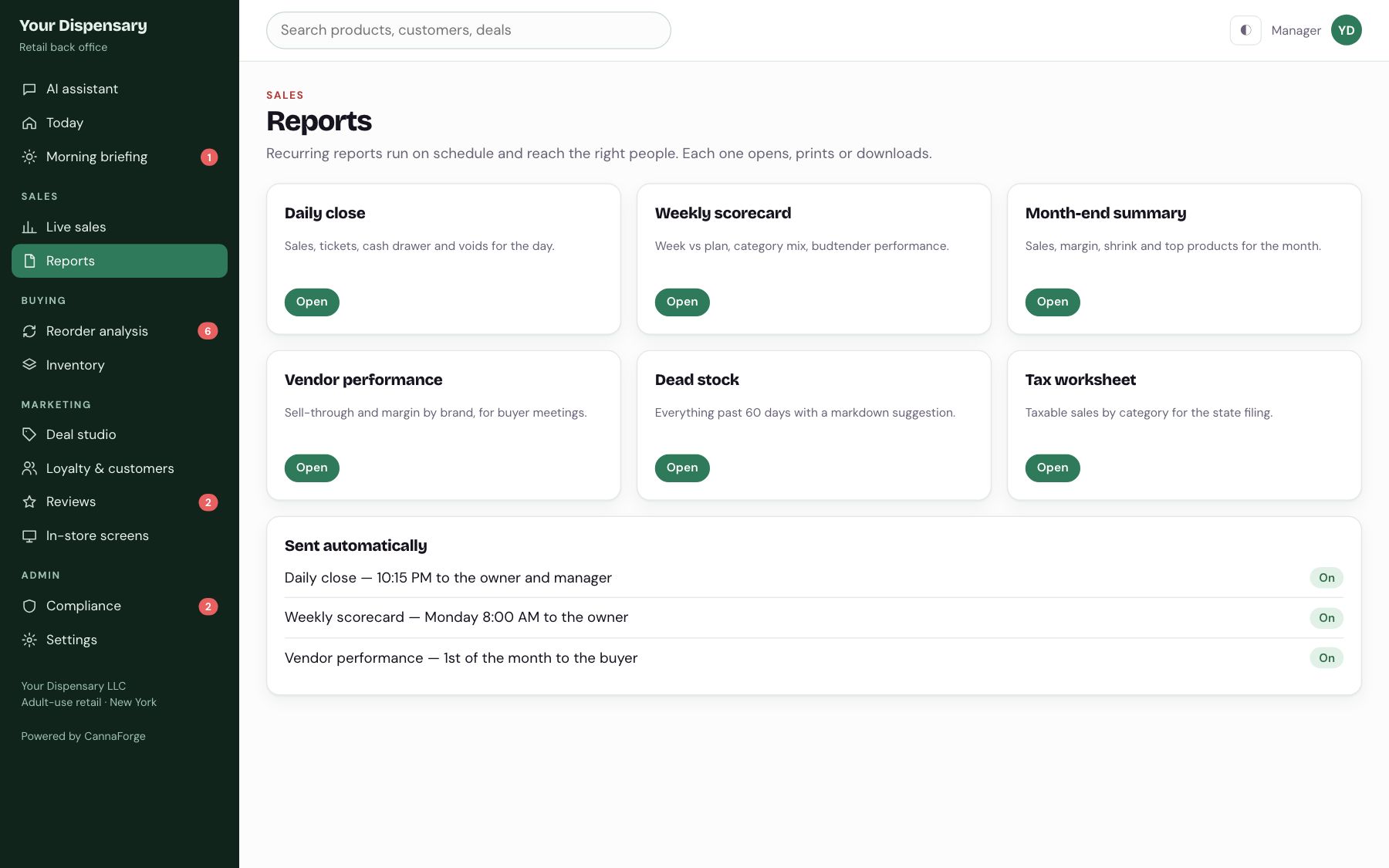
The daily close, on autopilot.
Daily close, weekly scorecard, vendor performance and the tax worksheet run on schedule.
06 / 12
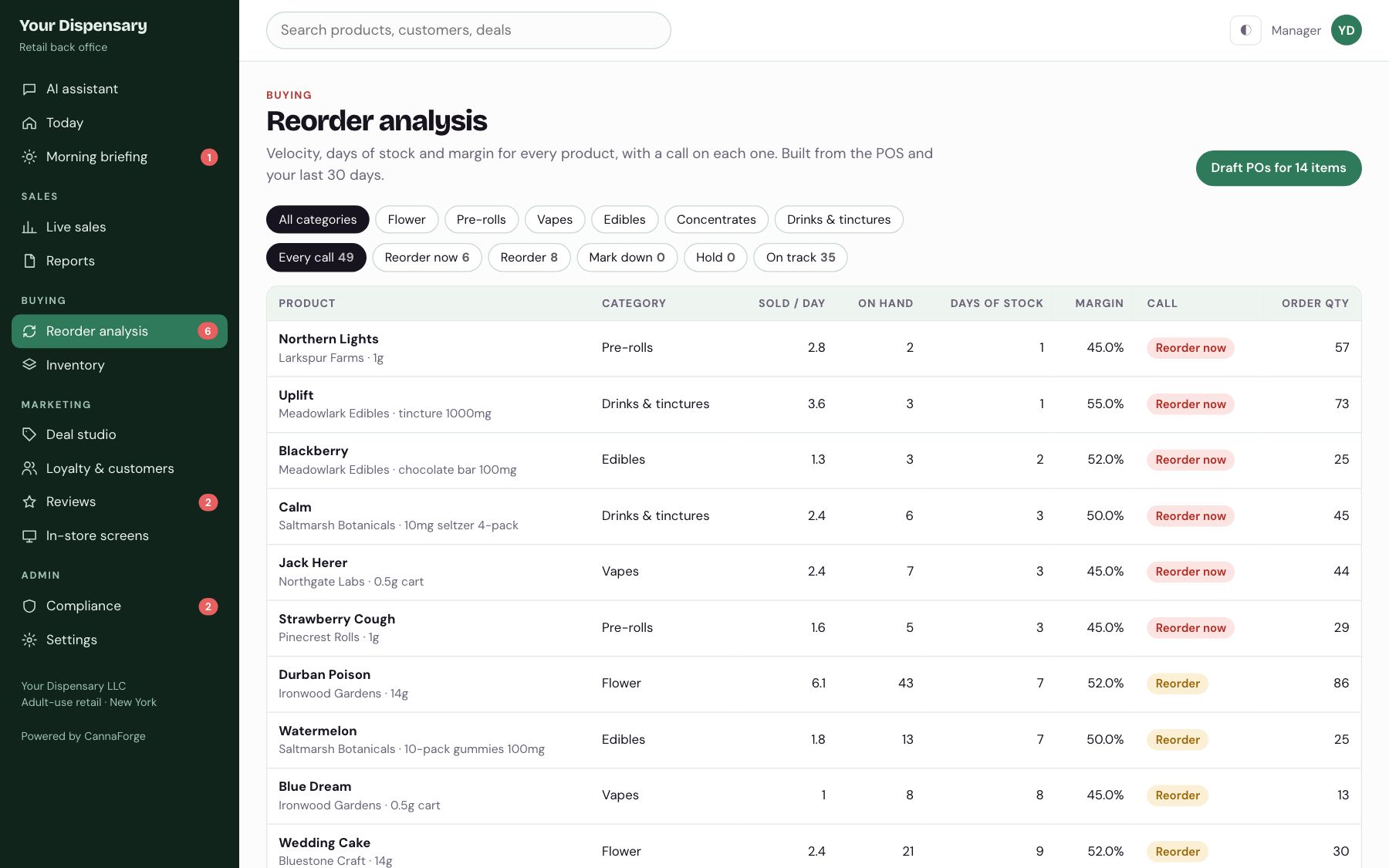
A call on every product.
Velocity, days of stock and margin decide reorder, hold or mark down. One click drafts the POs by brand.
07 / 12
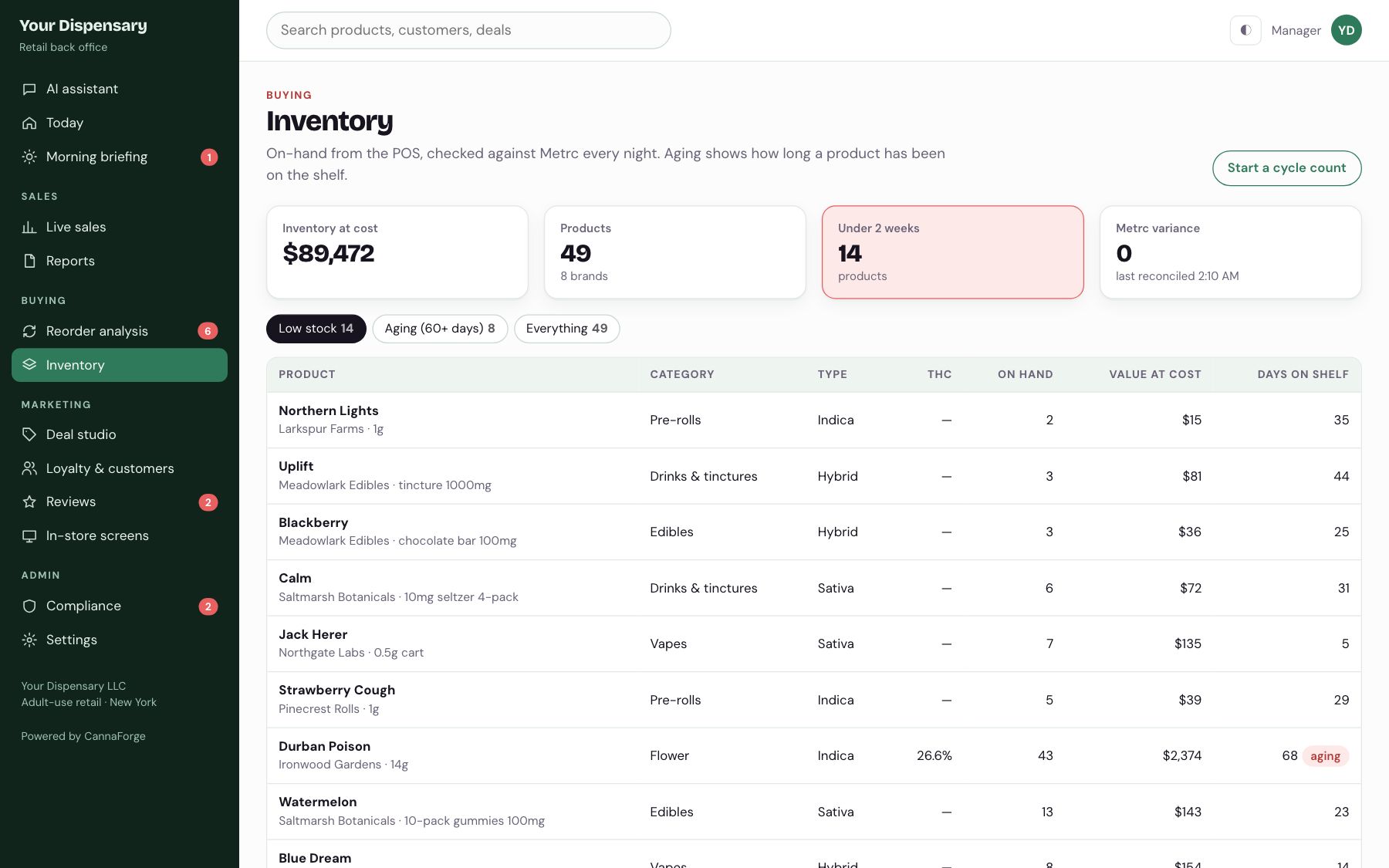
On hand, aging and value.
Low stock and aging product surfaced, with nightly checks against Metrc.
08 / 12
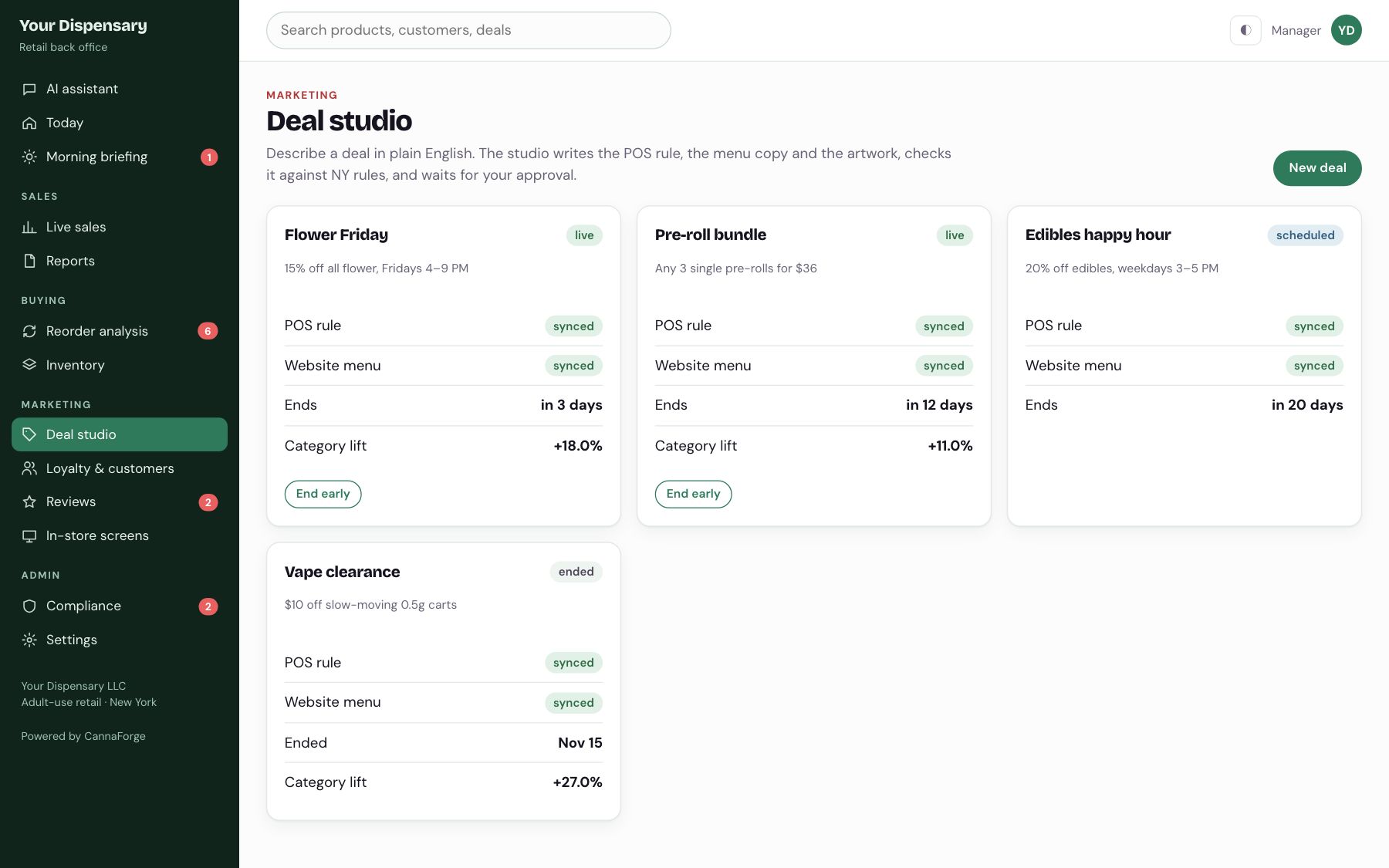
Describe a deal; get the rule, copy and art.
Plain English in, POS rule and menu copy out, checked against NY rules, published only after approval.
09 / 12
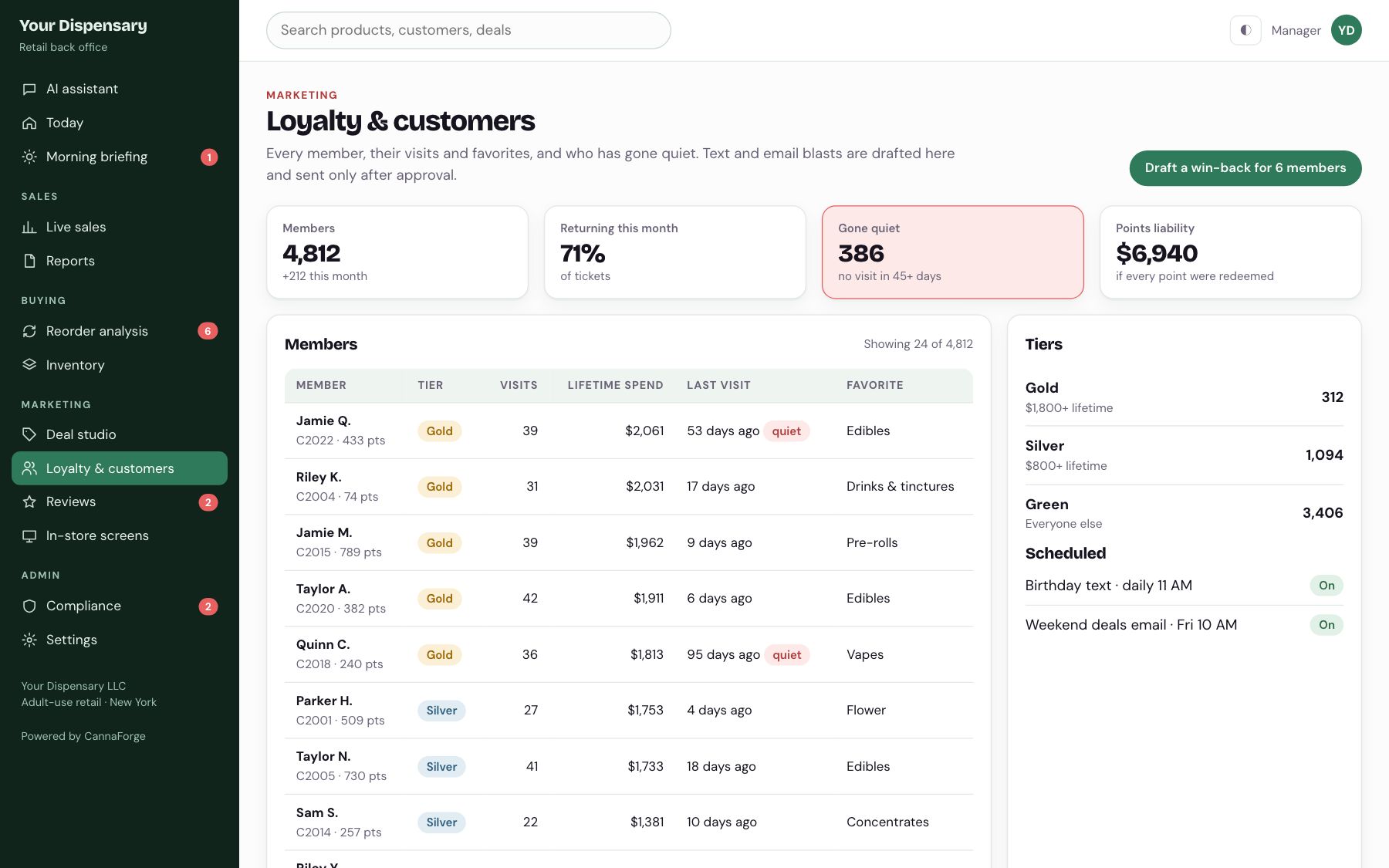
Who is loyal and who went quiet.
Members, tiers and lifetime spend, plus win-back texts drafted for the people who stopped coming in.
10 / 12
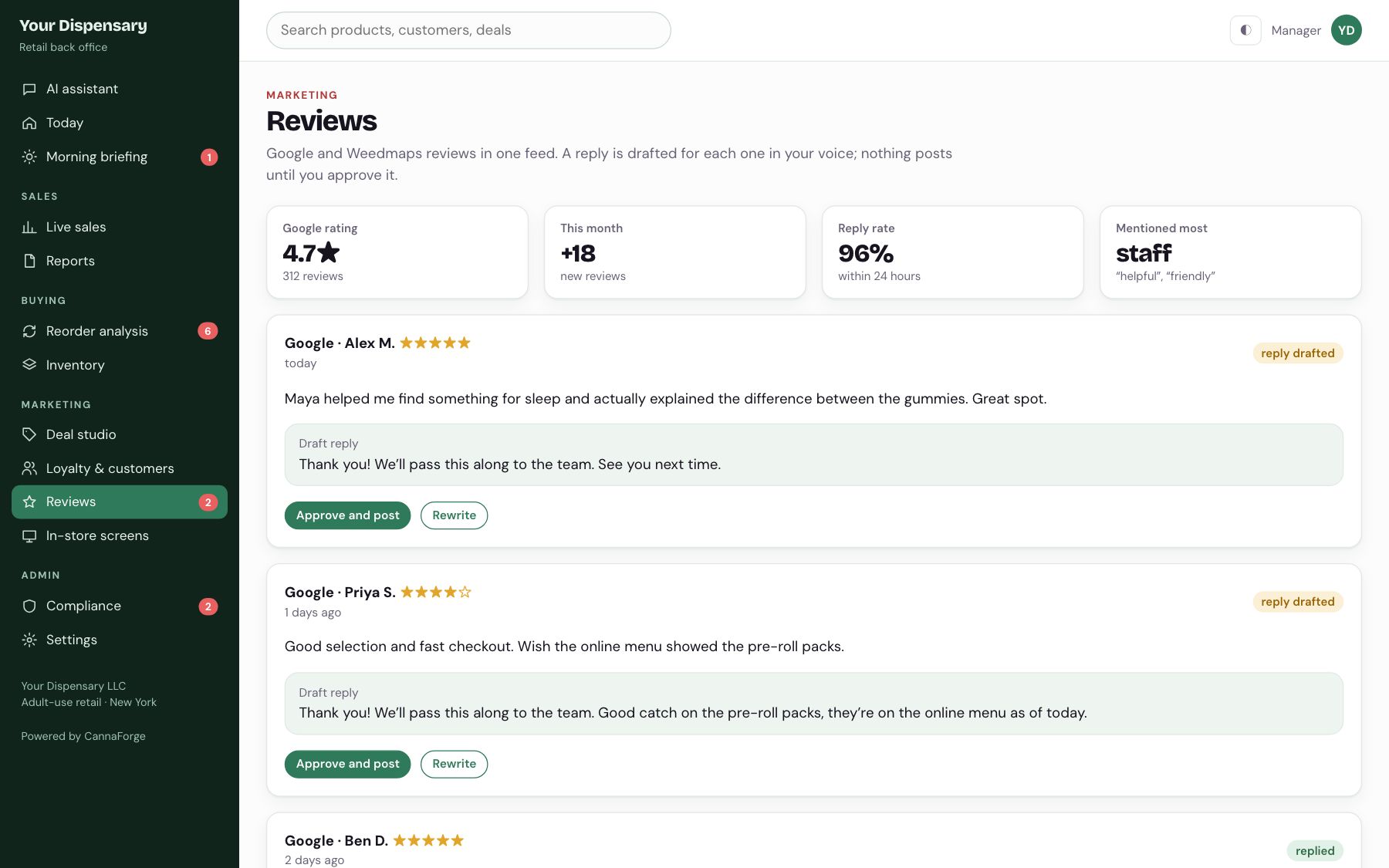
Every review answered.
Google and Weedmaps in one feed, with a reply drafted in your voice for each one.
11 / 12
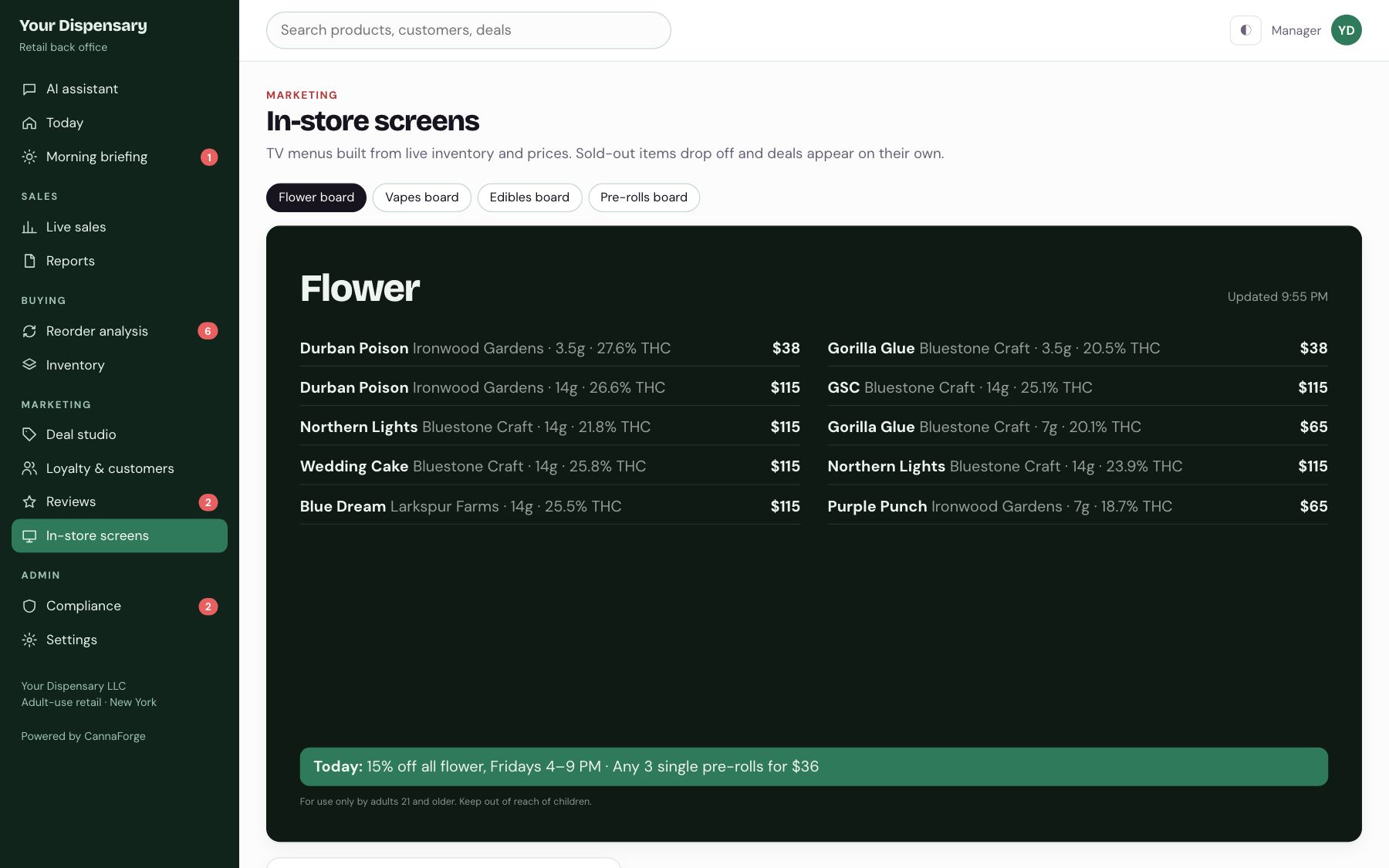
TV menus that update themselves.
Built from live inventory and prices. Sold-out items drop off; running deals appear on their own.
12 / 12
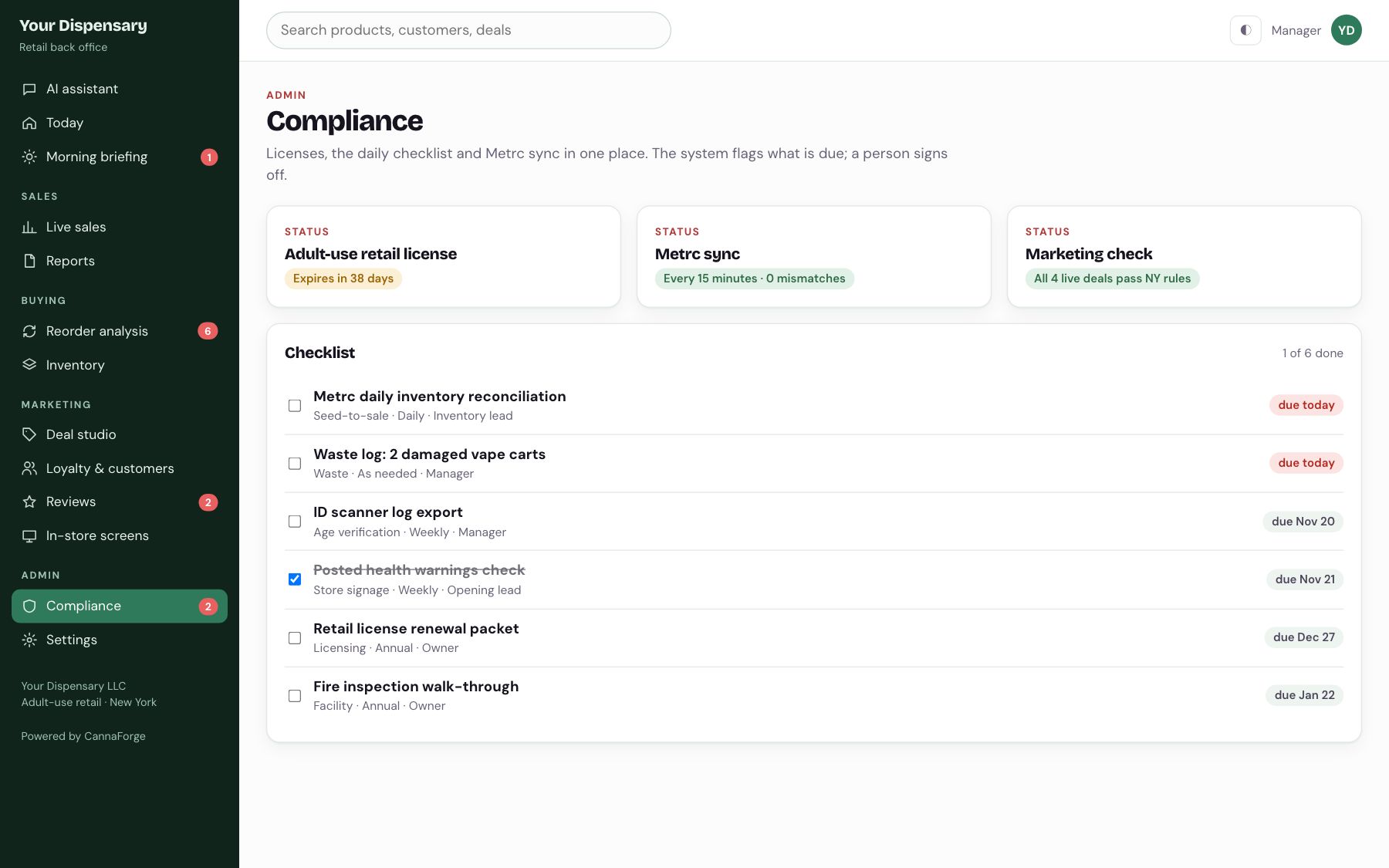
The daily checklist, signed off.
License dates, Metrc sync and the daily tasks, each logged when someone checks it off.
Brands · wholesale
The brand back office
Wholesale accounts, invoices, menu orders, a store tracker that reads every stockist menu, inventory, COAs and a newsletter that drafts itself. 18 screens, all clickable live.
Has a guided tour and a reset button. Works on a phone.
Start here
Analytics
Wholesale
Catalog
Marketing
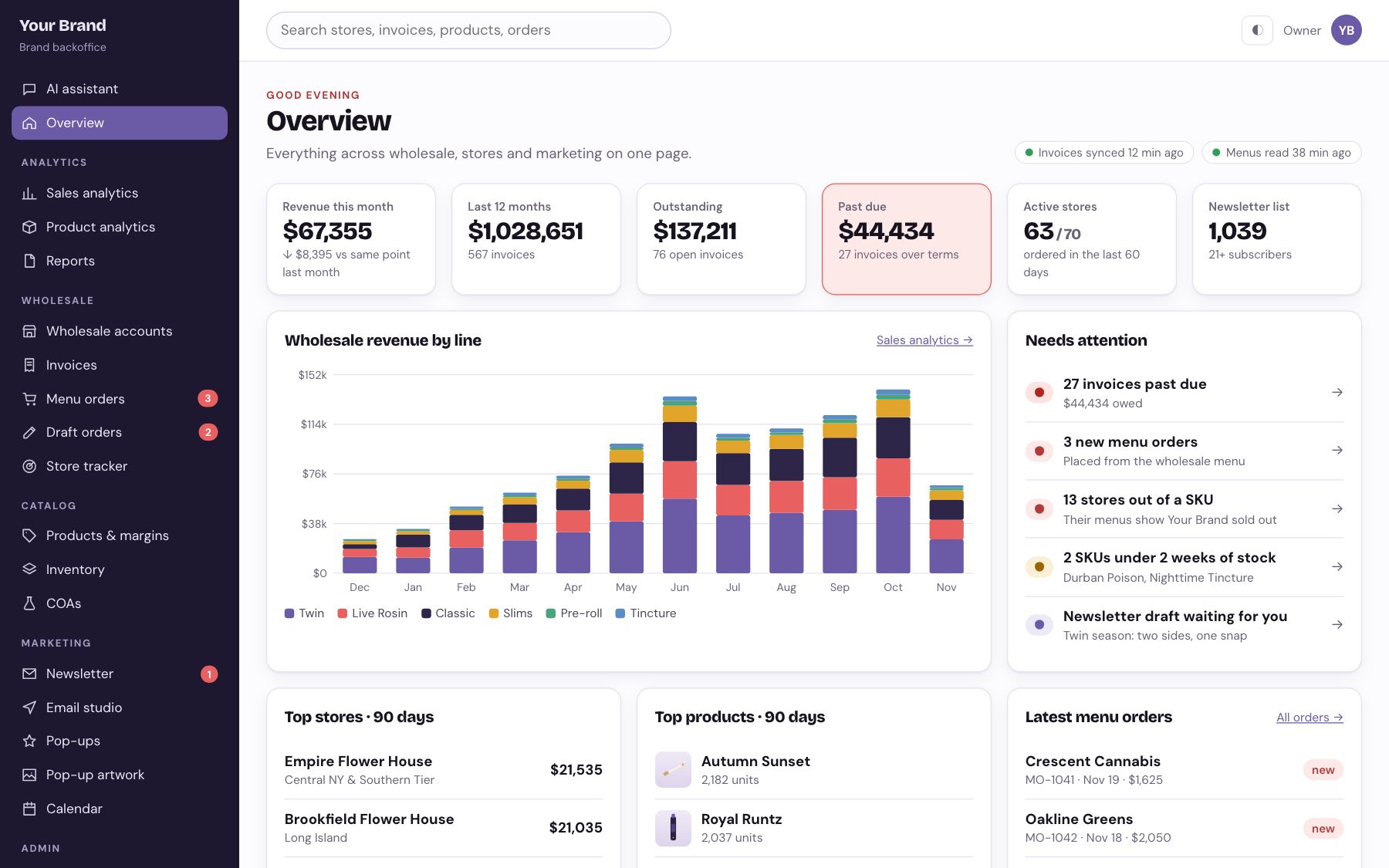
01 / 18
The whole brand on one page.
Revenue, open balances, active stores and list size, live. A needs-attention list puts past-due invoices, new orders and stockouts first.
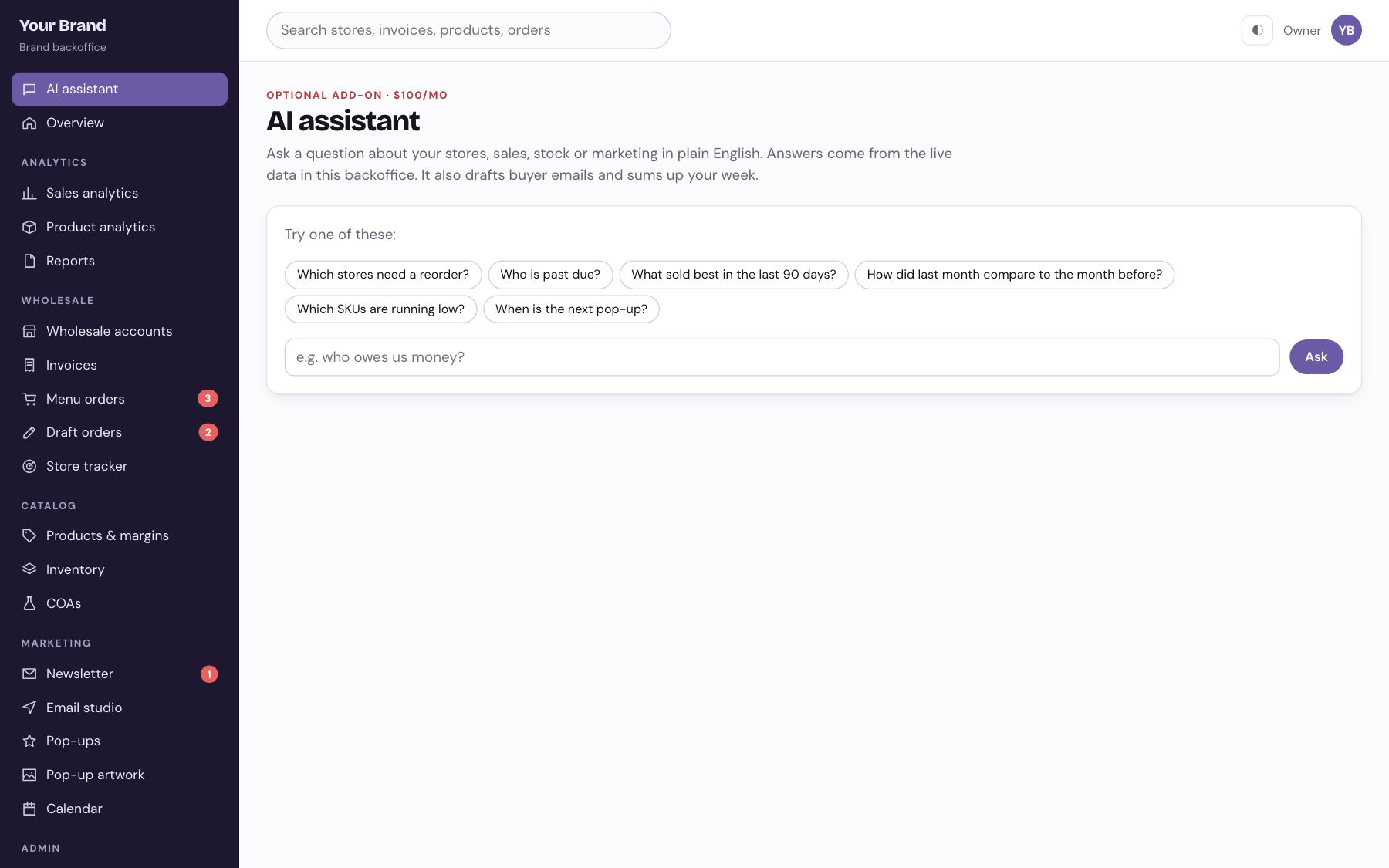
02 / 18
Ask the business a question.
Which stores need a reorder? What sold best last month? Answers come from your own data, with links to the screen behind them.
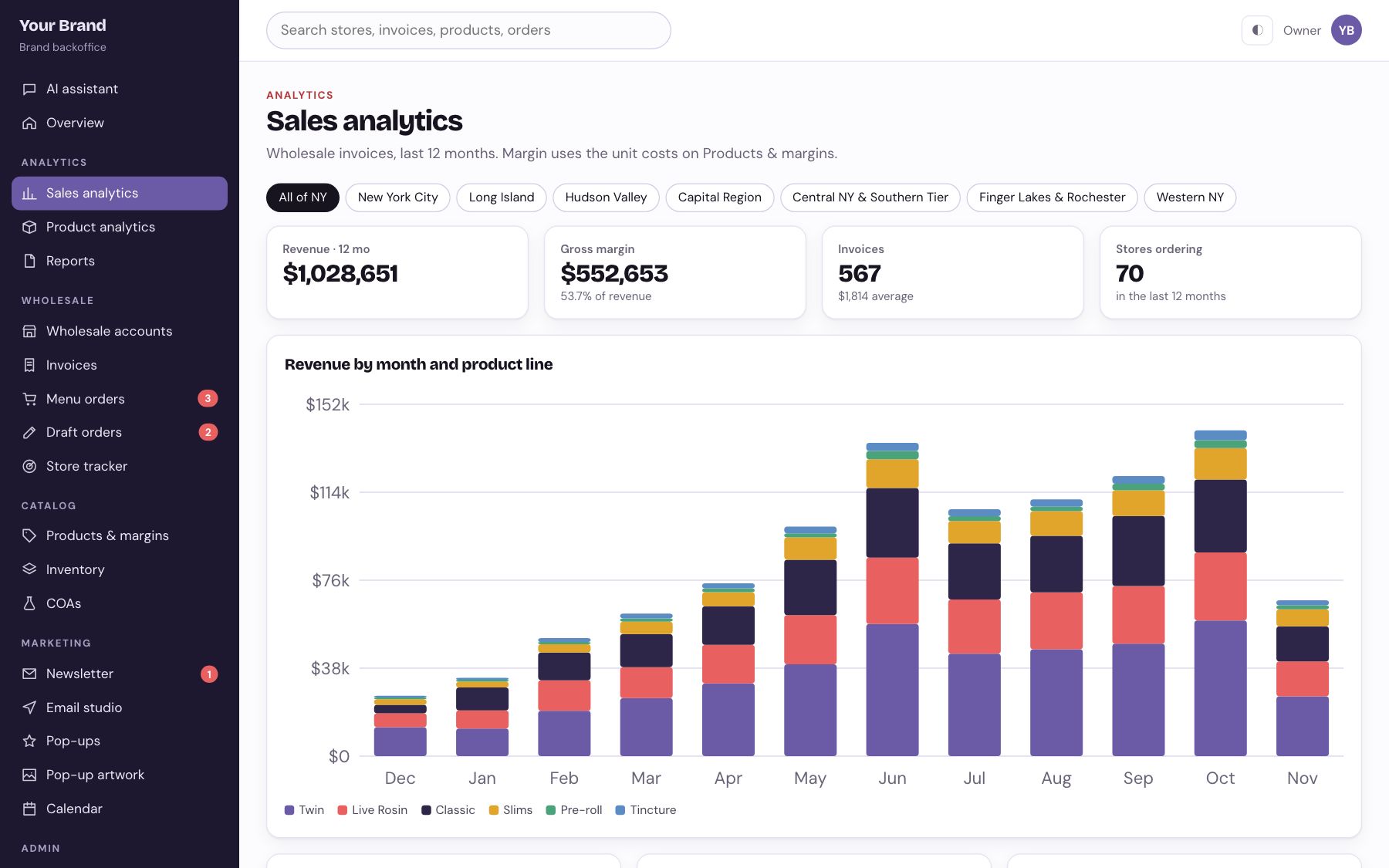
03 / 18
Revenue by line, region and month.
Twelve months of wholesale sales broken out every way your team asks for it, without exporting a spreadsheet.
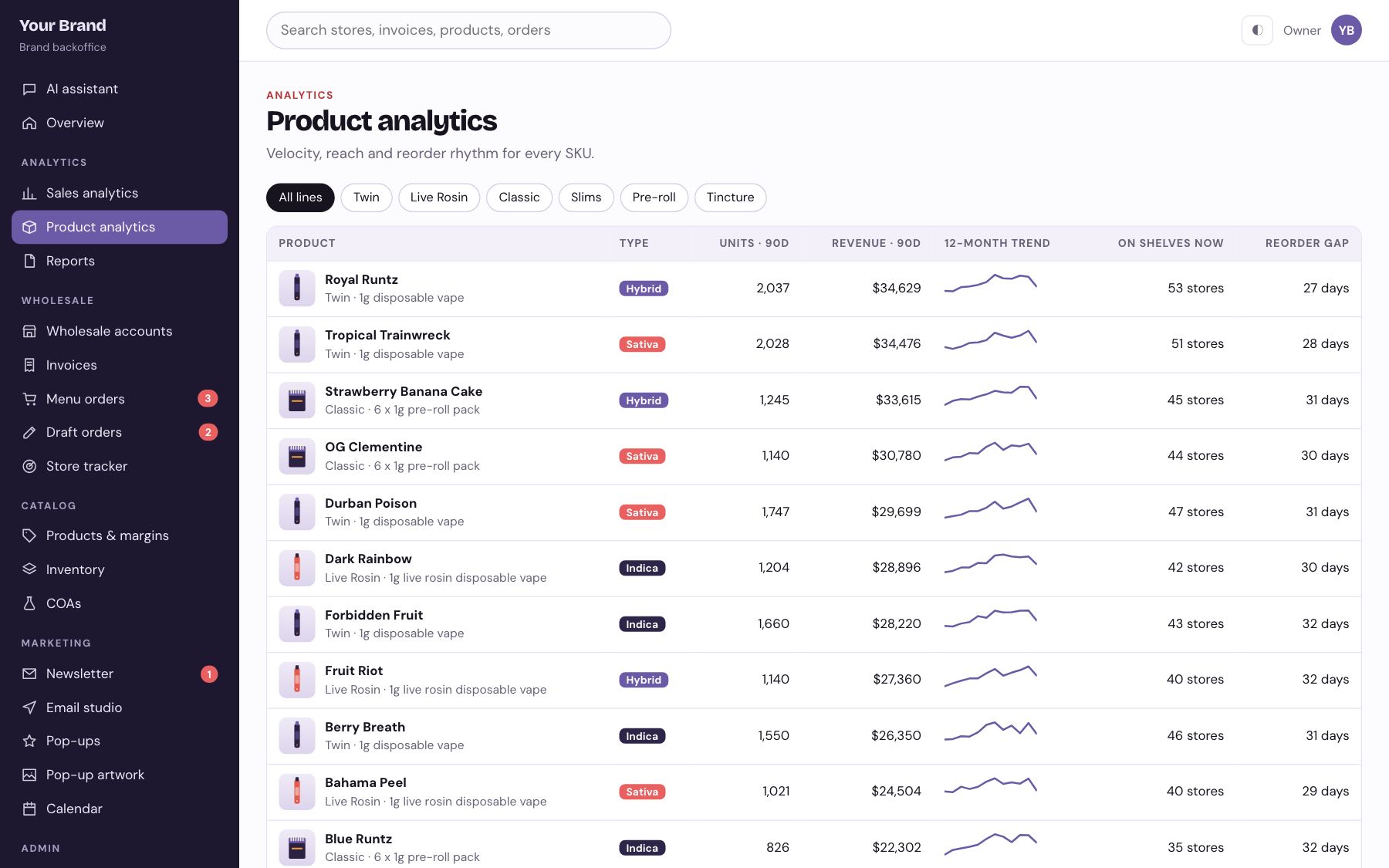
04 / 18
Which SKUs carry the brand.
Velocity, reach and margin per product, so the next production run is planned on numbers.
05 / 18
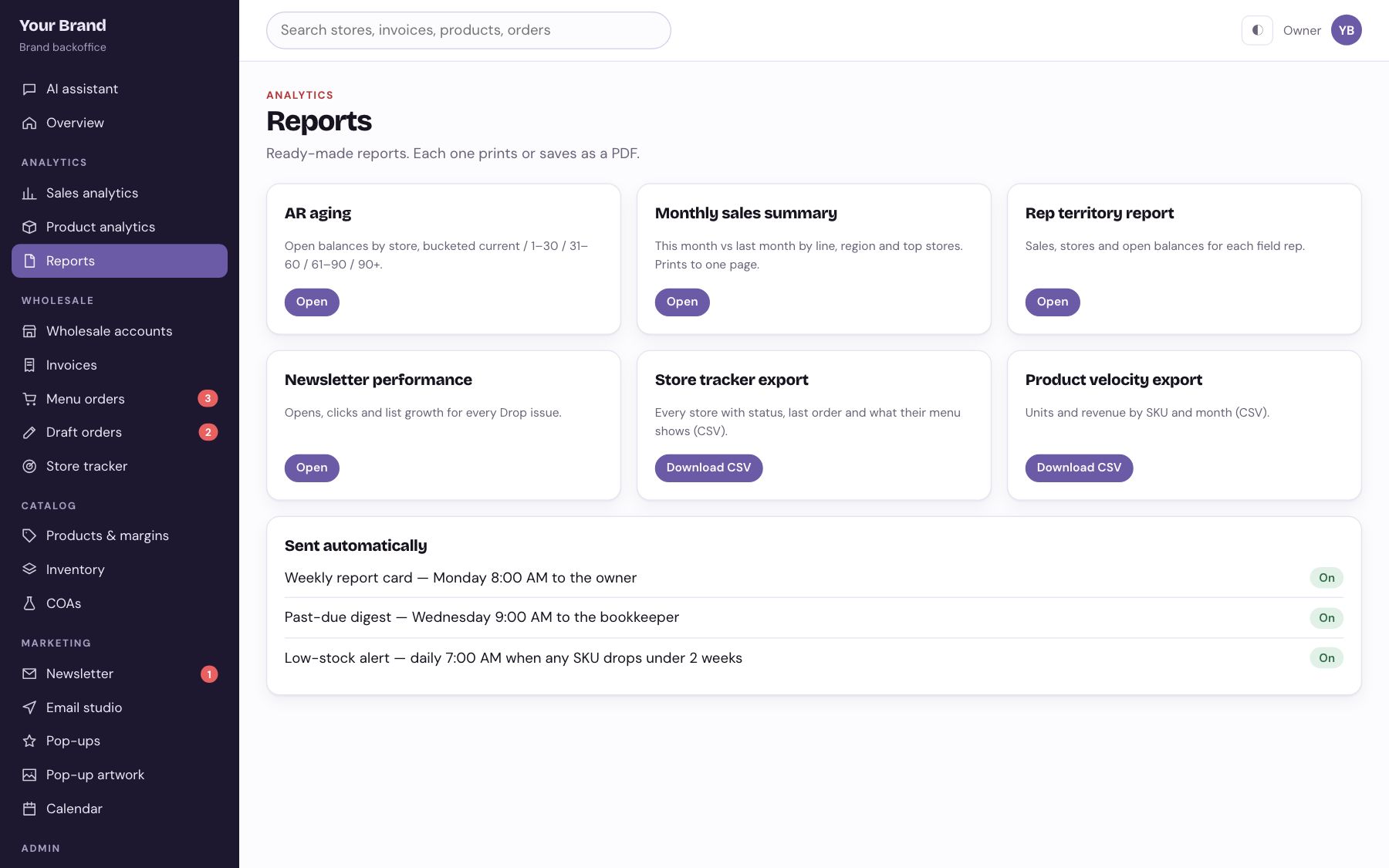
Recurring reports, one click.
Store lists, aging, product velocity and newsletter results as PDFs or CSVs, ready for a partner or a bookkeeper.
06 / 18
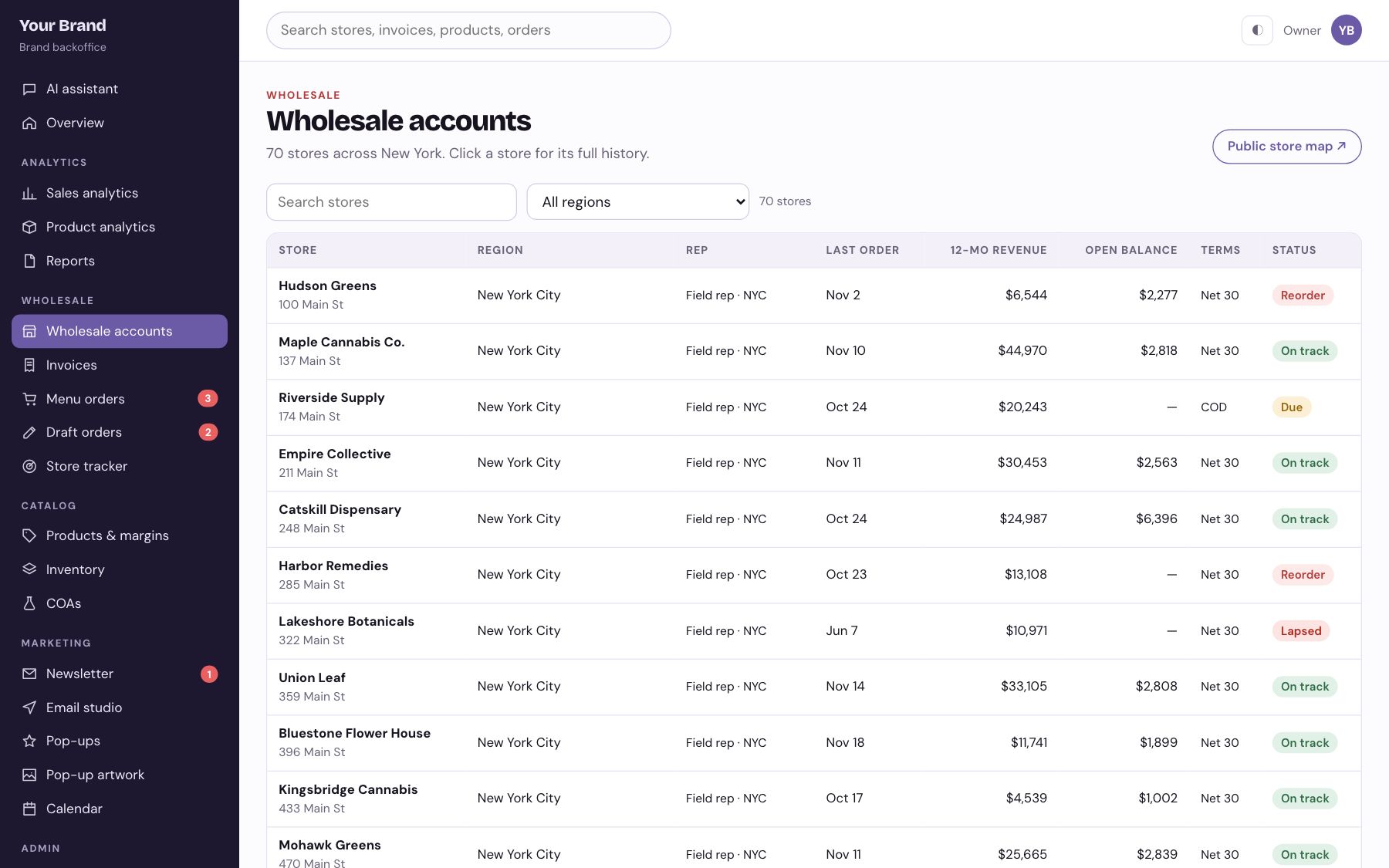
Every store, with its full history.
Last order, twelve-month revenue, open balance, terms and status for every account, searchable by region.
07 / 18
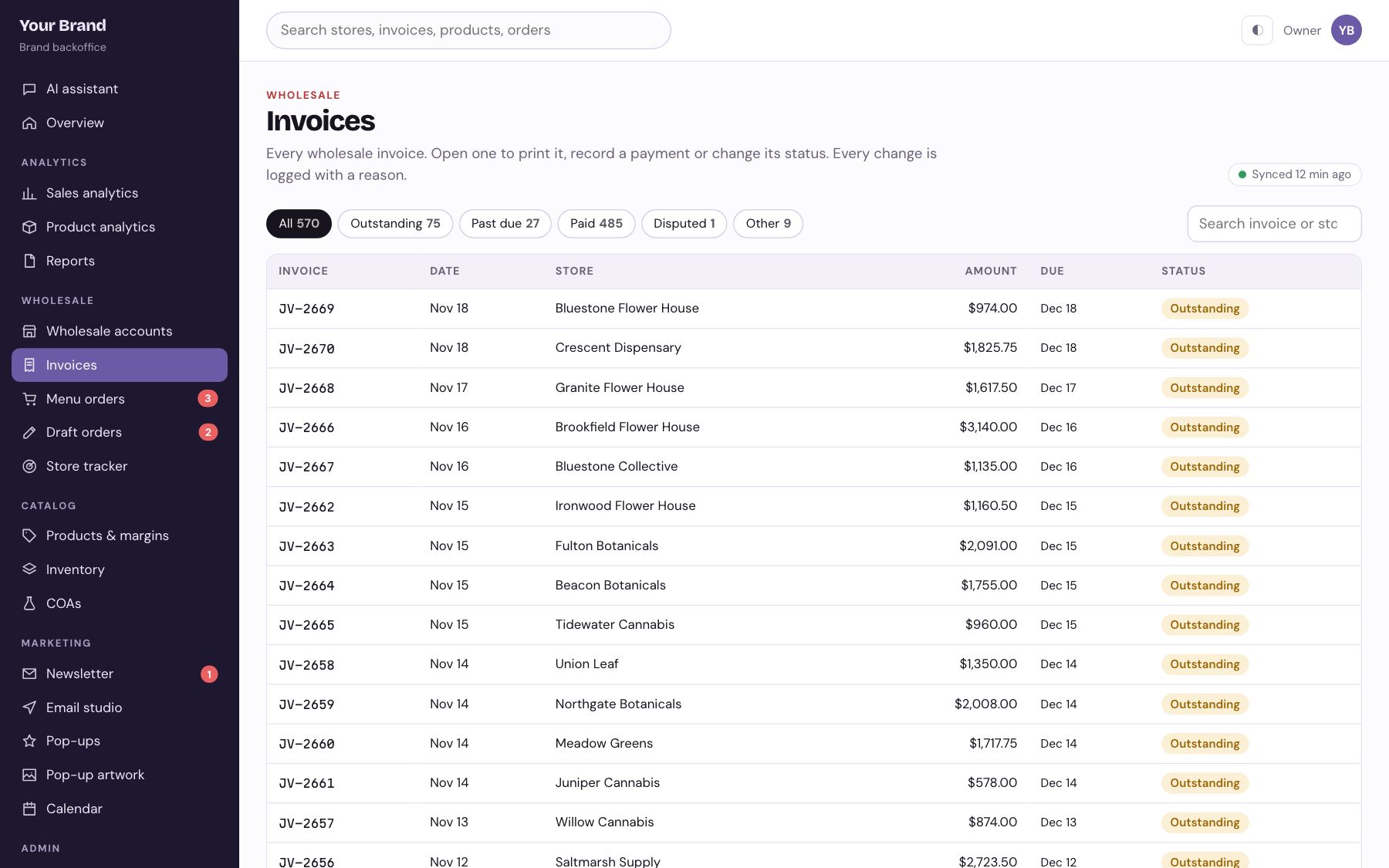
Receivables aged and chased.
Open invoices sorted by days late, with reminders drafted for a person to send.
08 / 18
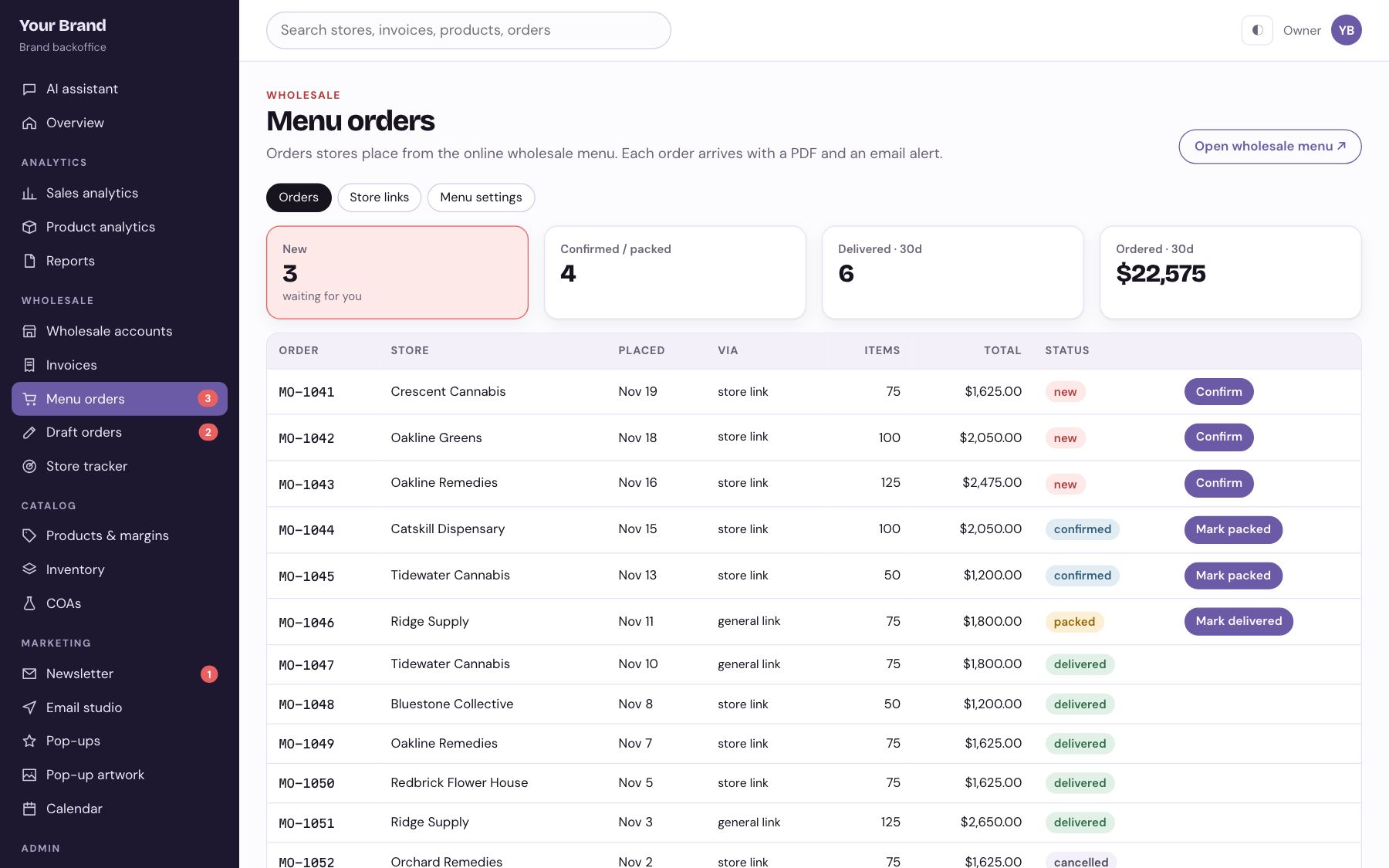
Orders from your wholesale menu.
Each store gets its own menu link. Orders land here already tagged to the right account, with a stock check.
09 / 18
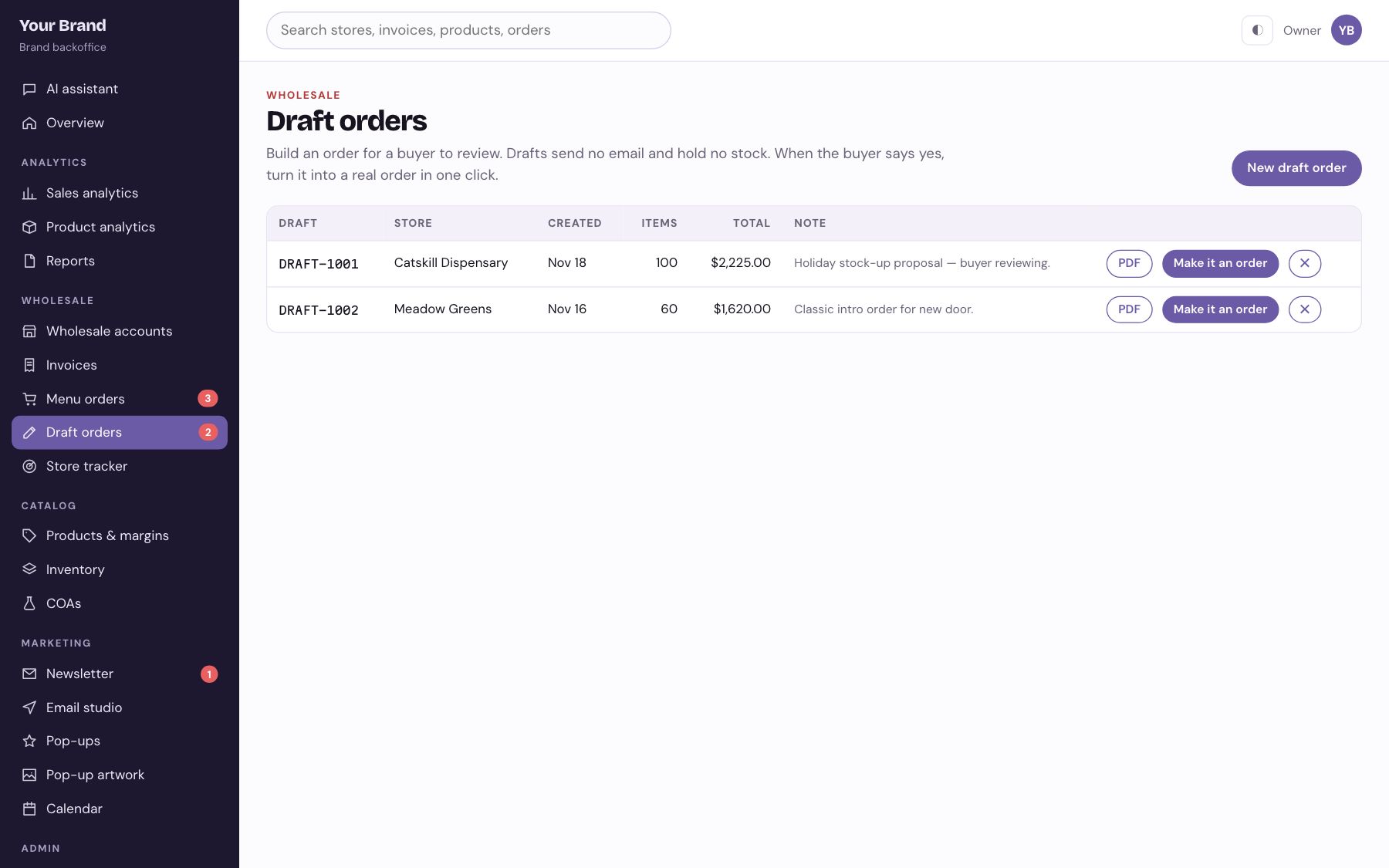
Build an order for a buyer.
Reps put together a draft, send it for approval, and turn it into an order when the store says yes.
10 / 18
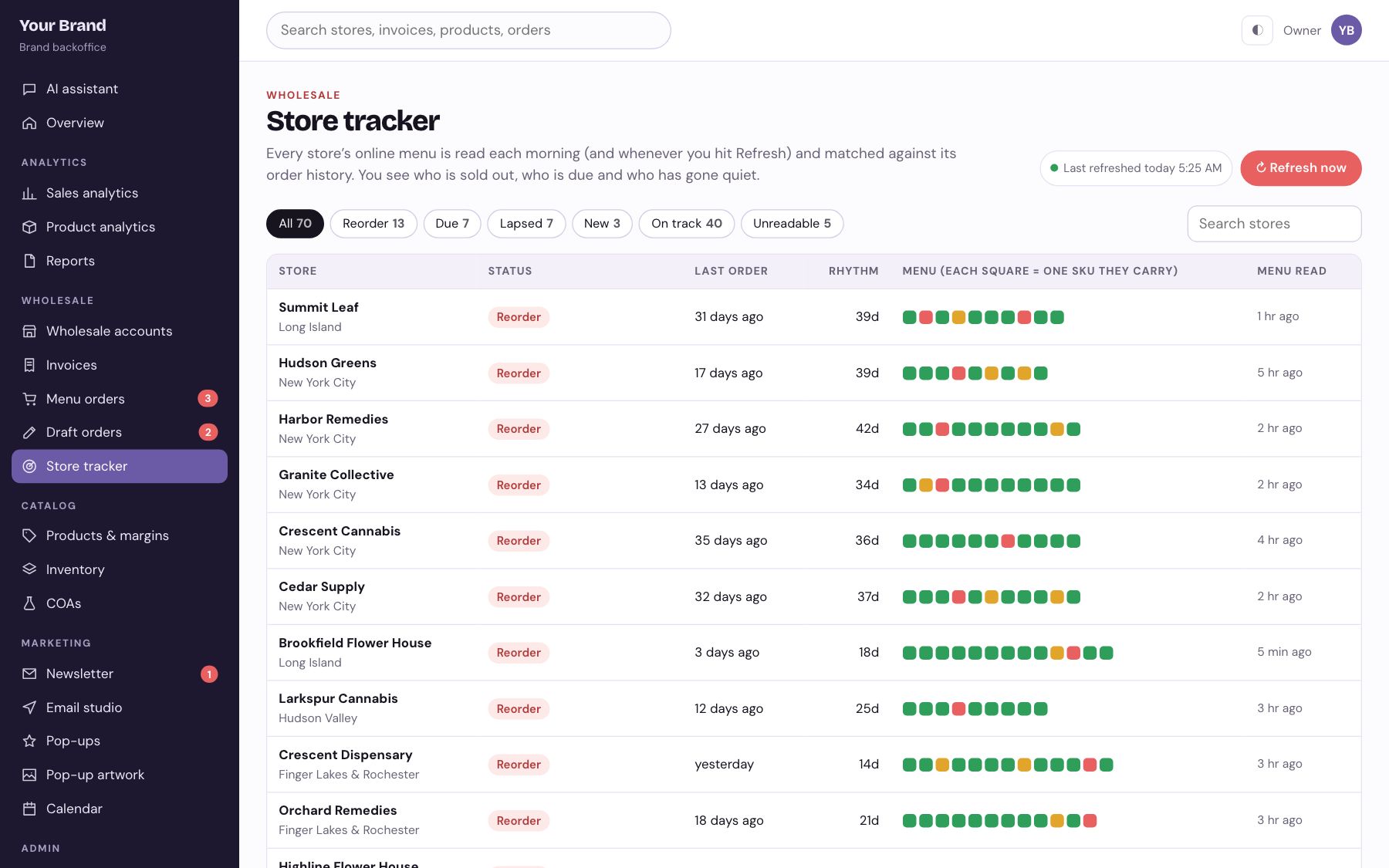
Know who is sold out before they call.
Every stockist menu is read each morning and matched to order history: who is out of a SKU, who is due, who went quiet.
11 / 18
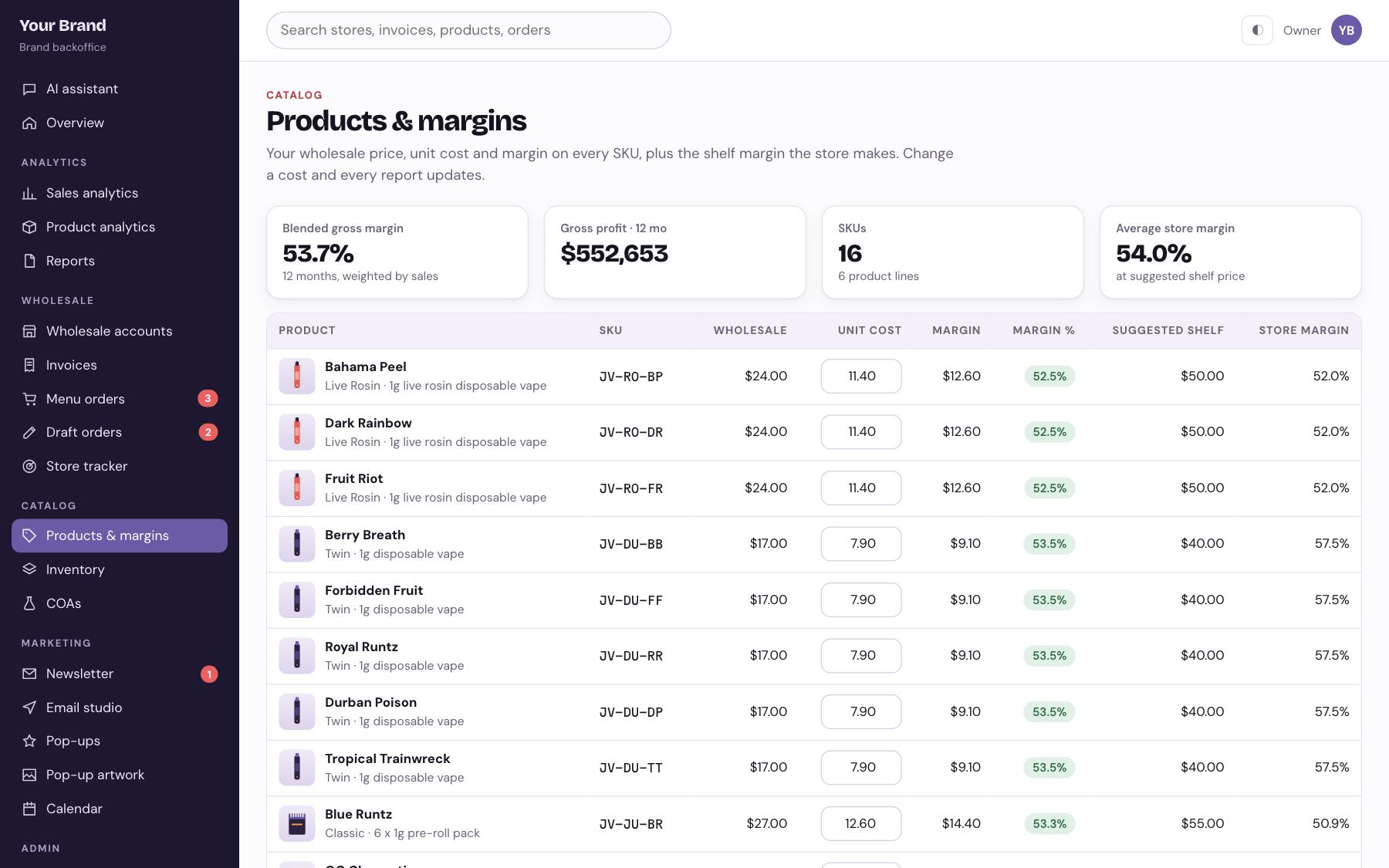
Cost, price and margin per SKU.
Wholesale price, cost and MSRP side by side, with margin flagged when an input changes.
12 / 18
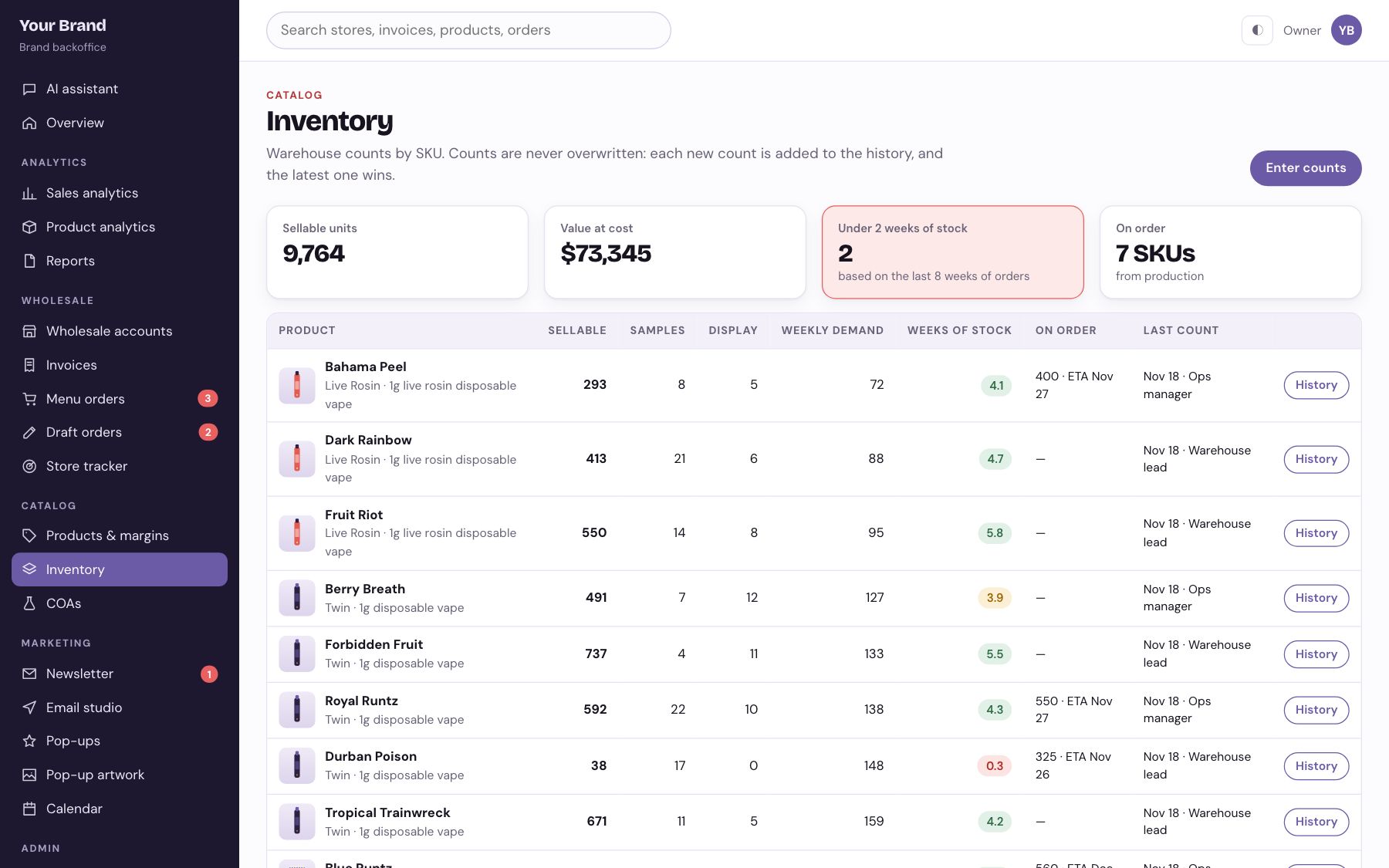
Weeks of stock, not guesses.
Counts from the warehouse plus live sales give weeks of cover per SKU and a short reorder list.
13 / 18
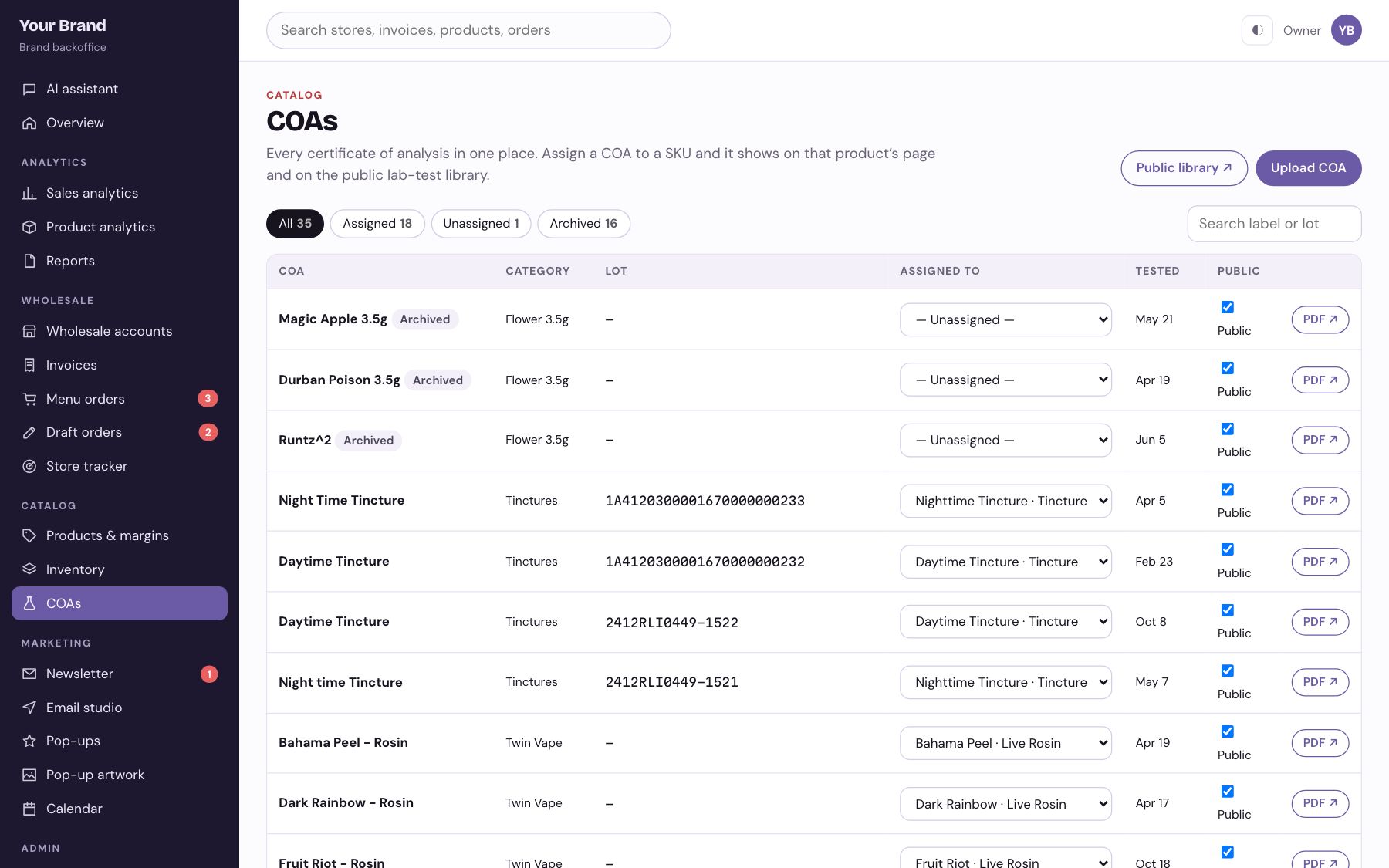
Every lab result, attached to its product.
Upload a COA, assign it to a SKU, and it shows up on the public lab-test library.
14 / 18
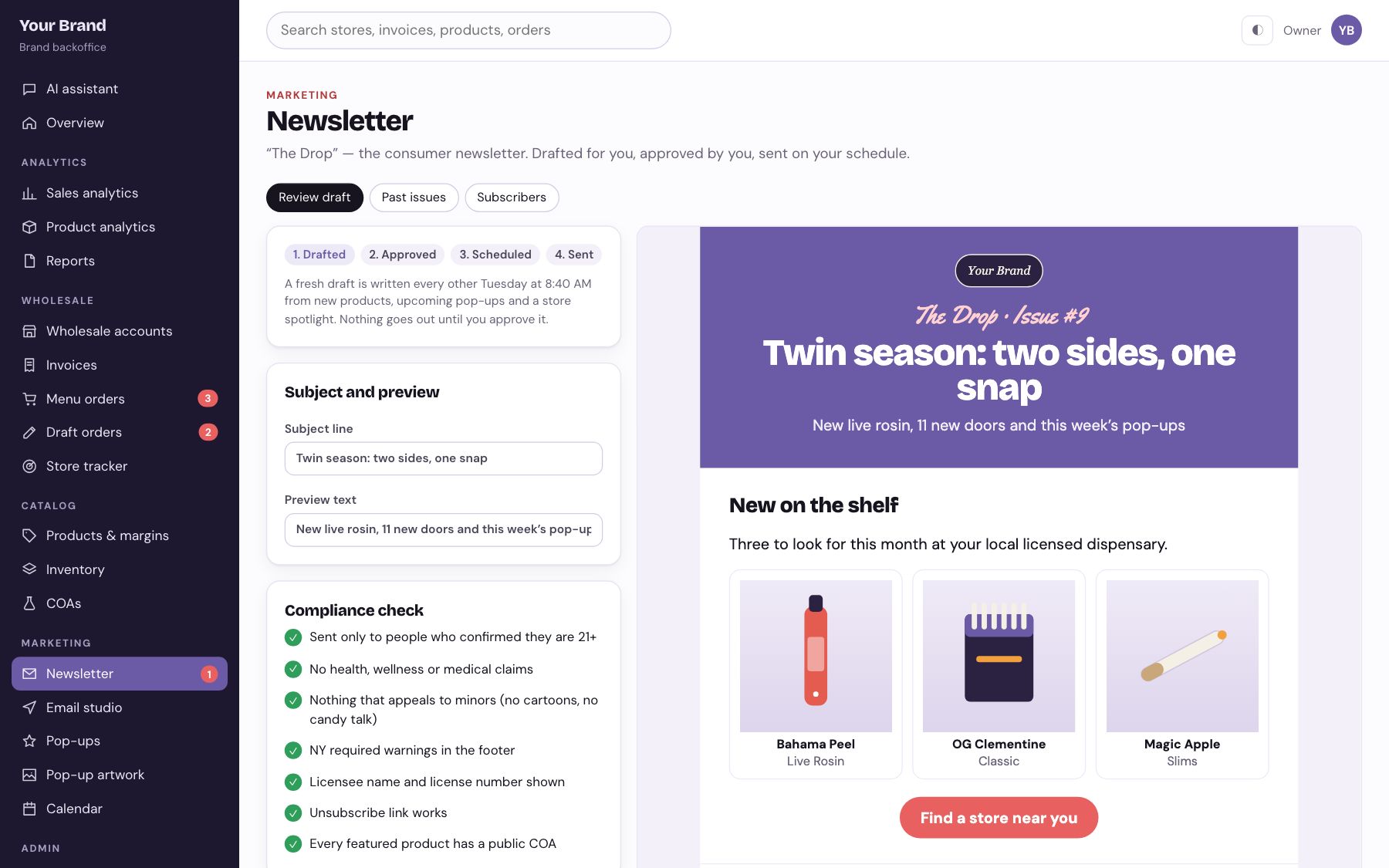
A consumer newsletter that drafts itself.
A fresh issue is written from new products and upcoming pop-ups, run through a compliance check, and waits for approval.
15 / 18
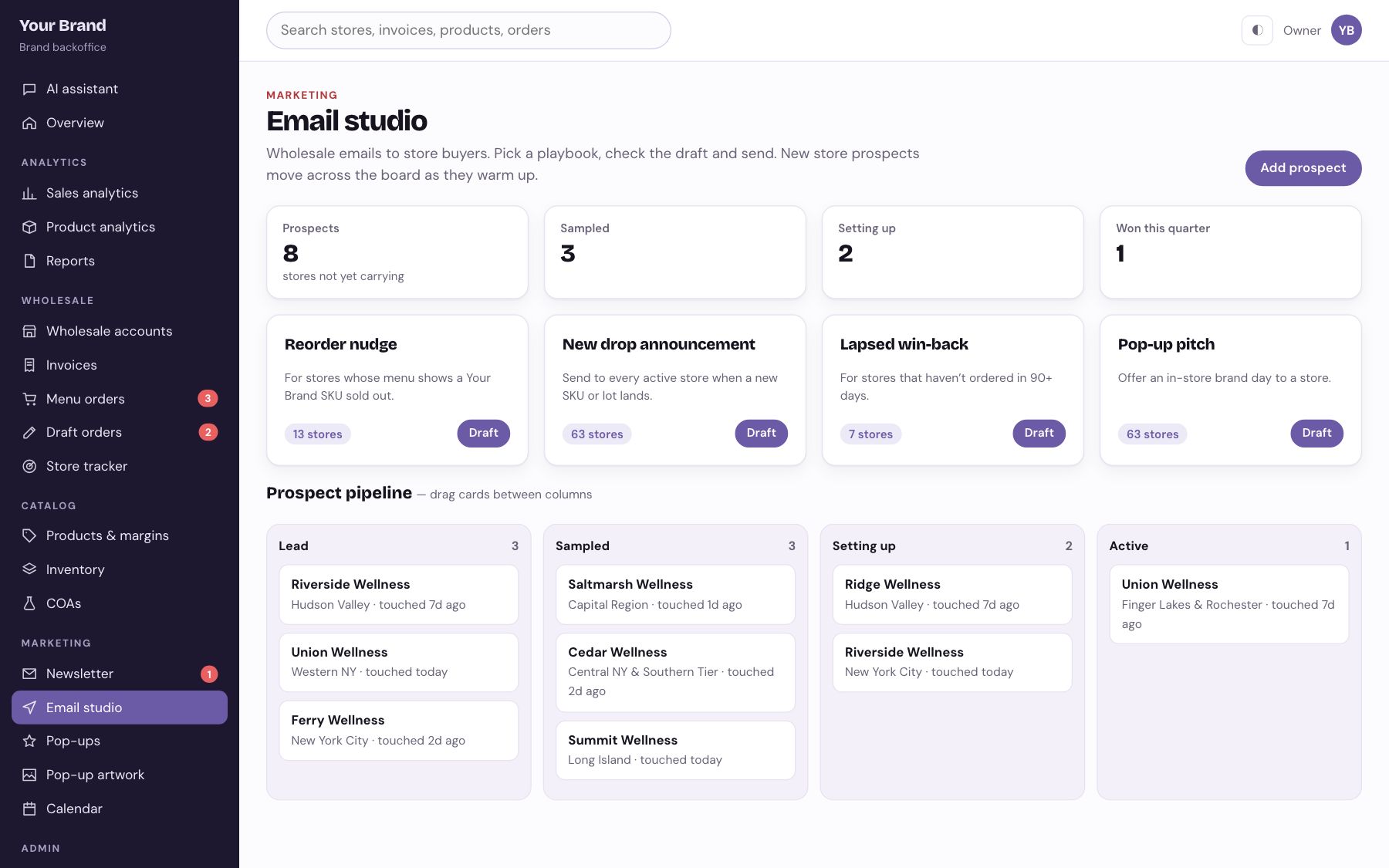
Retailer emails from what is selling.
Reorder nudges, new-drop announcements and win-backs, plus a prospect pipeline for stores that do not carry you yet.
16 / 18
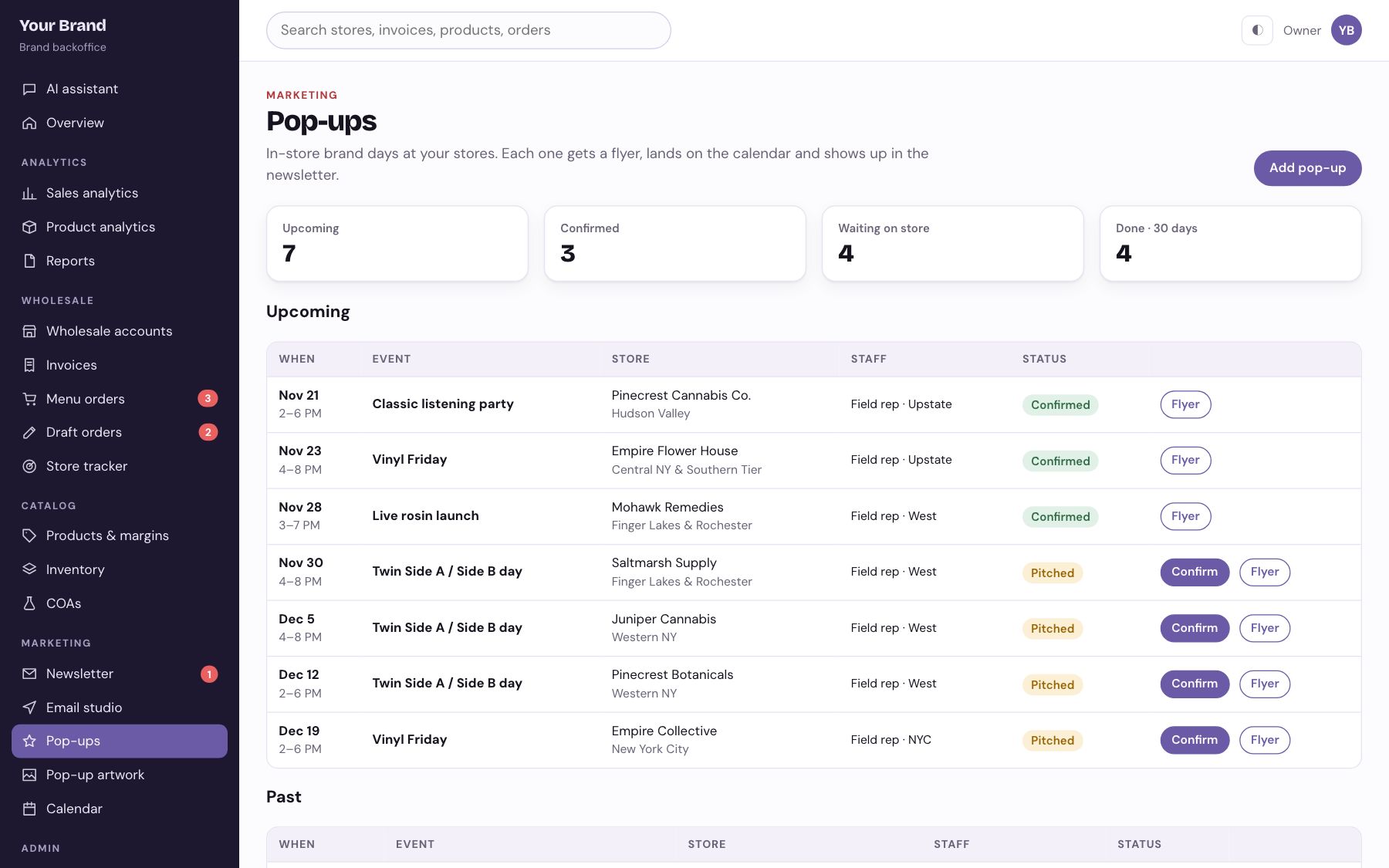
In-store days, booked and staffed.
Every pop-up gets a date, a rep and a status, and lands on the calendar and in the newsletter.
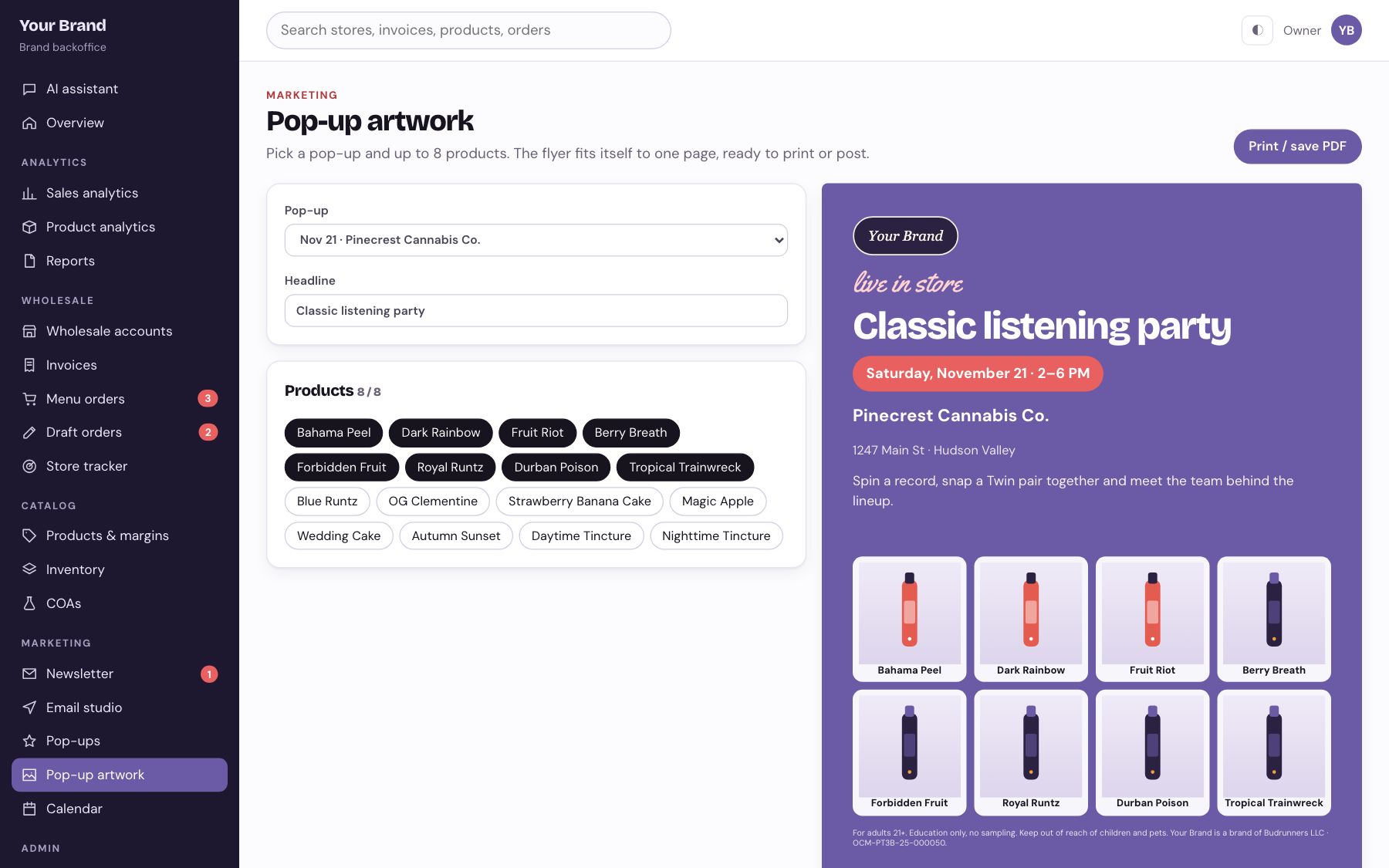
17 / 18
A print-ready flyer in one click.
Pick the pop-up and up to eight products. The flyer lays itself out for print or social.
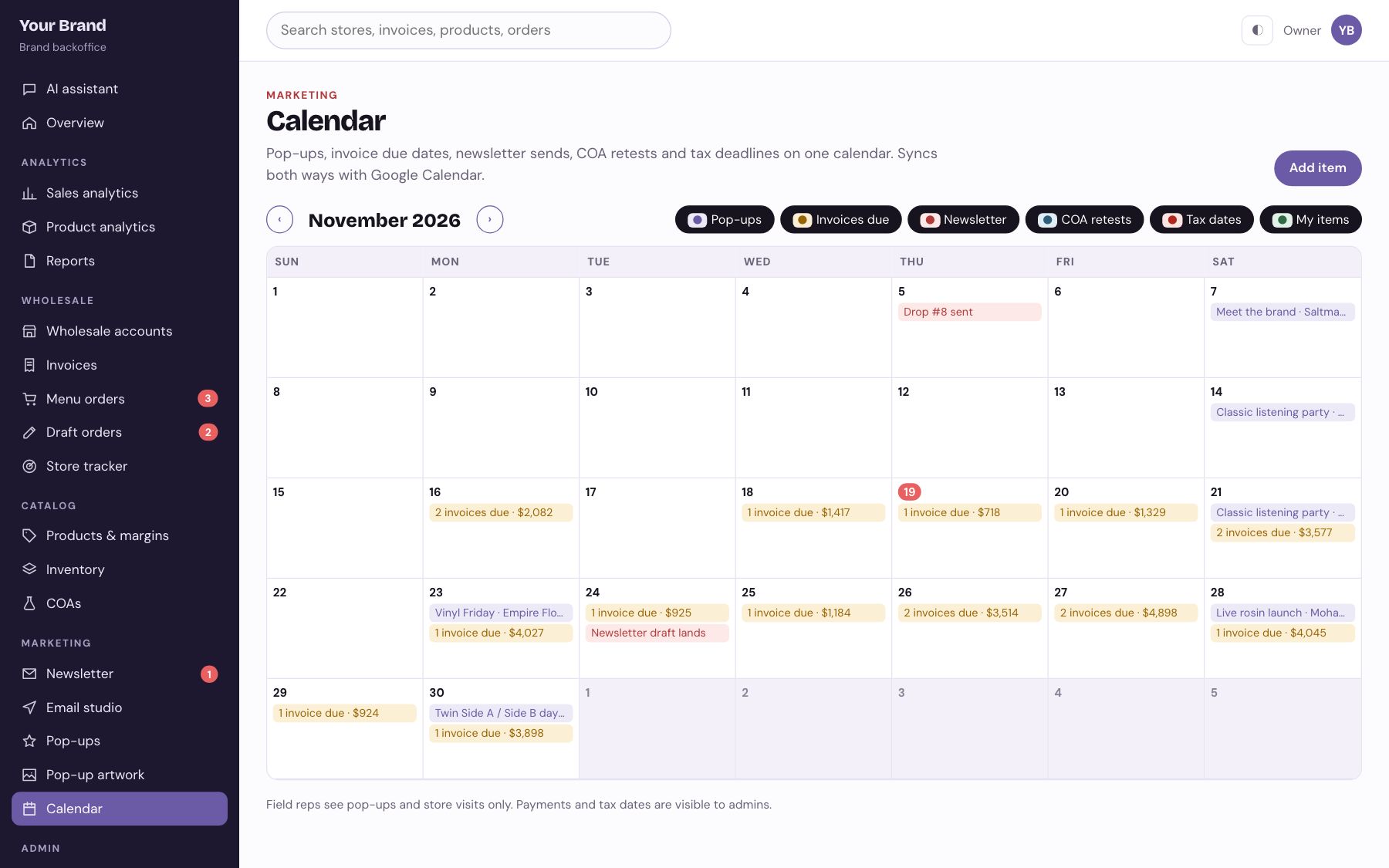
18 / 18
Pop-ups, invoices and sends in one place.
Due dates, newsletter sends, COA retests and tax deadlines on one calendar that syncs with Google.
Farms · cultivators · processors · distributors
The farm and cultivator back office
For a licensed operator that grows, processes and delivers for partner brands: rooms and batches, work orders, lab gates, receivables, routes and compliance. 12 screens, all clickable live.
Has a guided tour and a reset button. Works on a phone.
Operations
Brands & sales
Admin
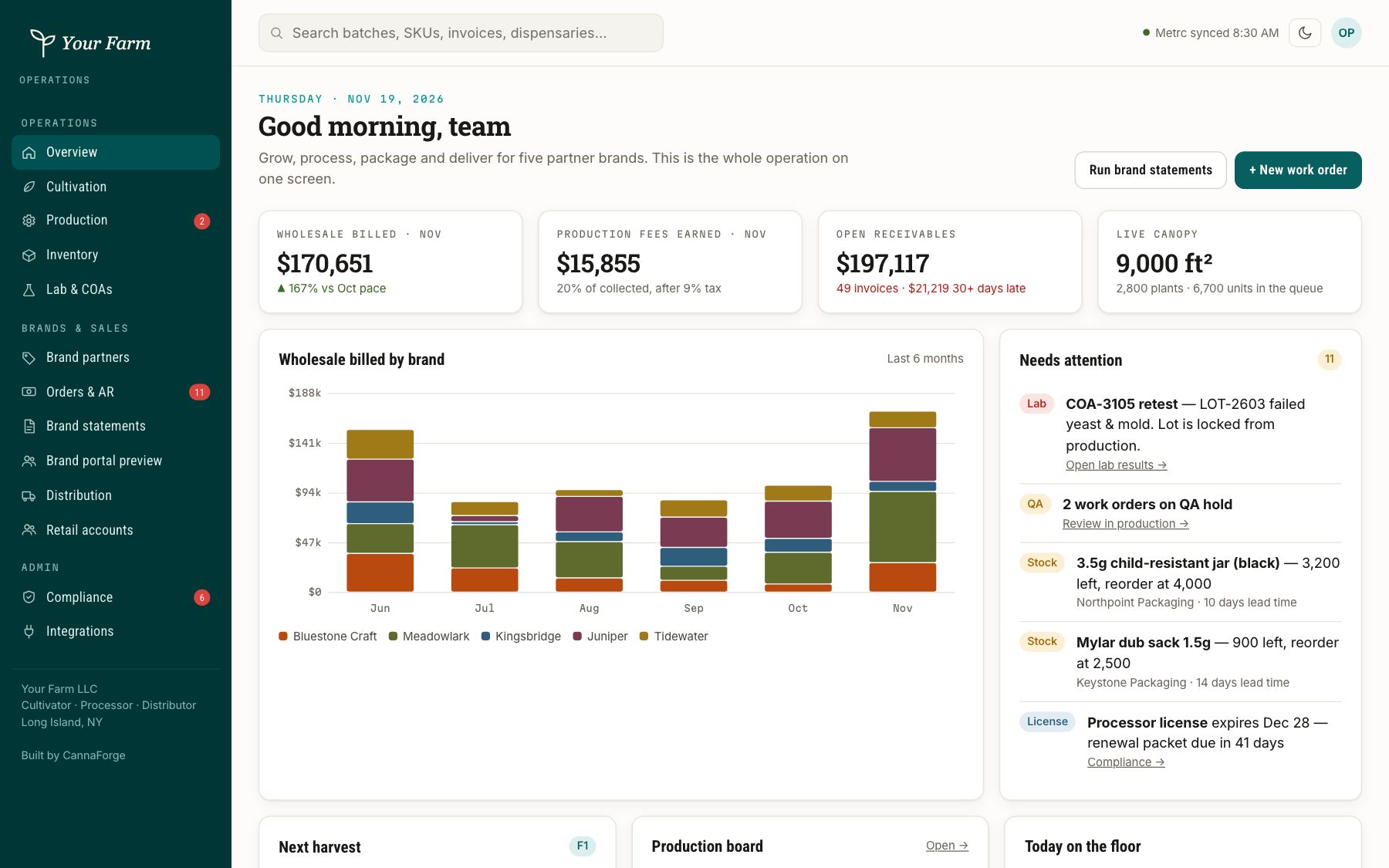
01 / 12
Grow, process, pack and deliver on one screen.
Billing by brand partner, production fees, receivables and live canopy, with a needs-attention list.
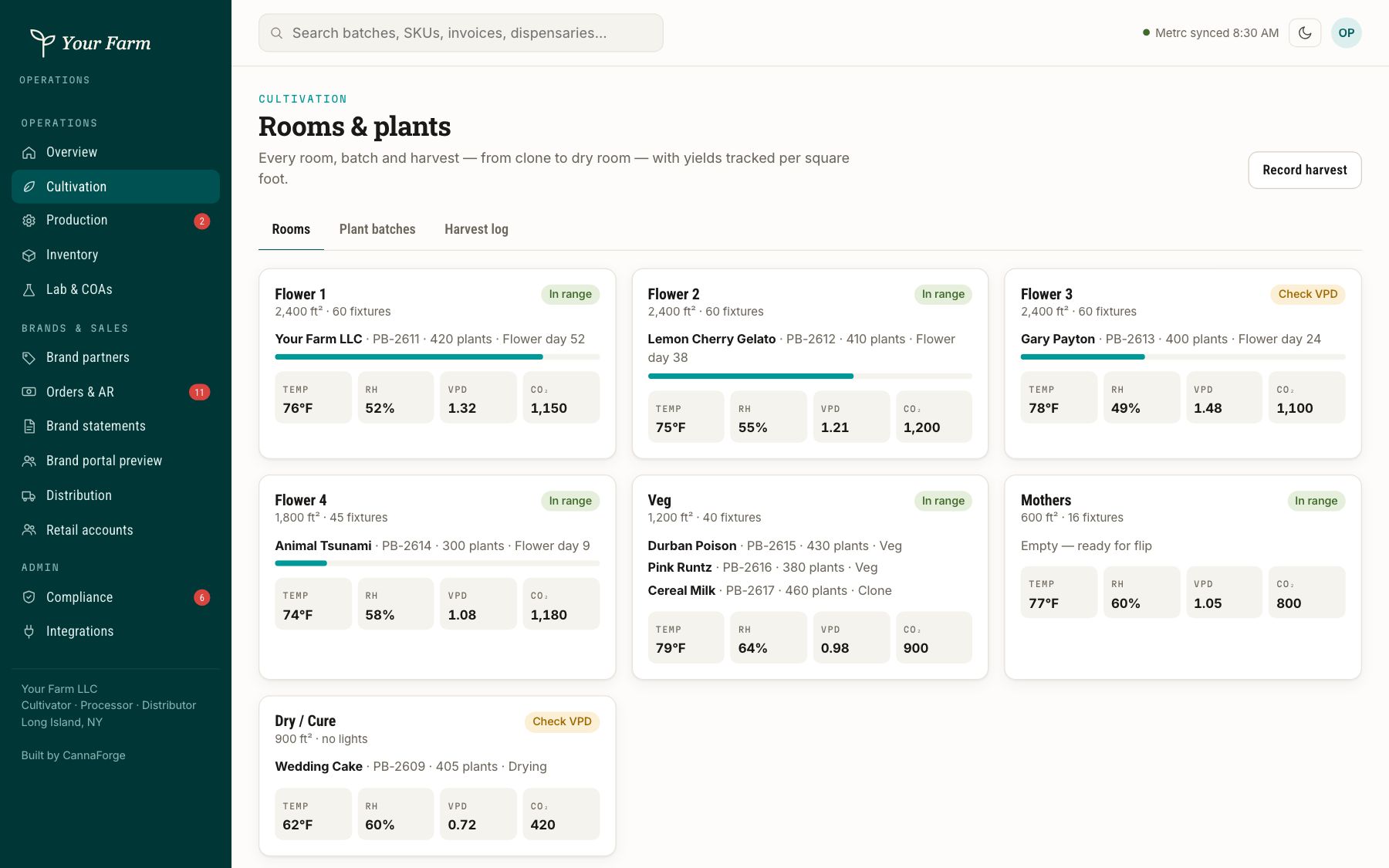
02 / 12
Every room, batch and harvest.
Room conditions, plant counts and yields per square foot, from clone to dry room.
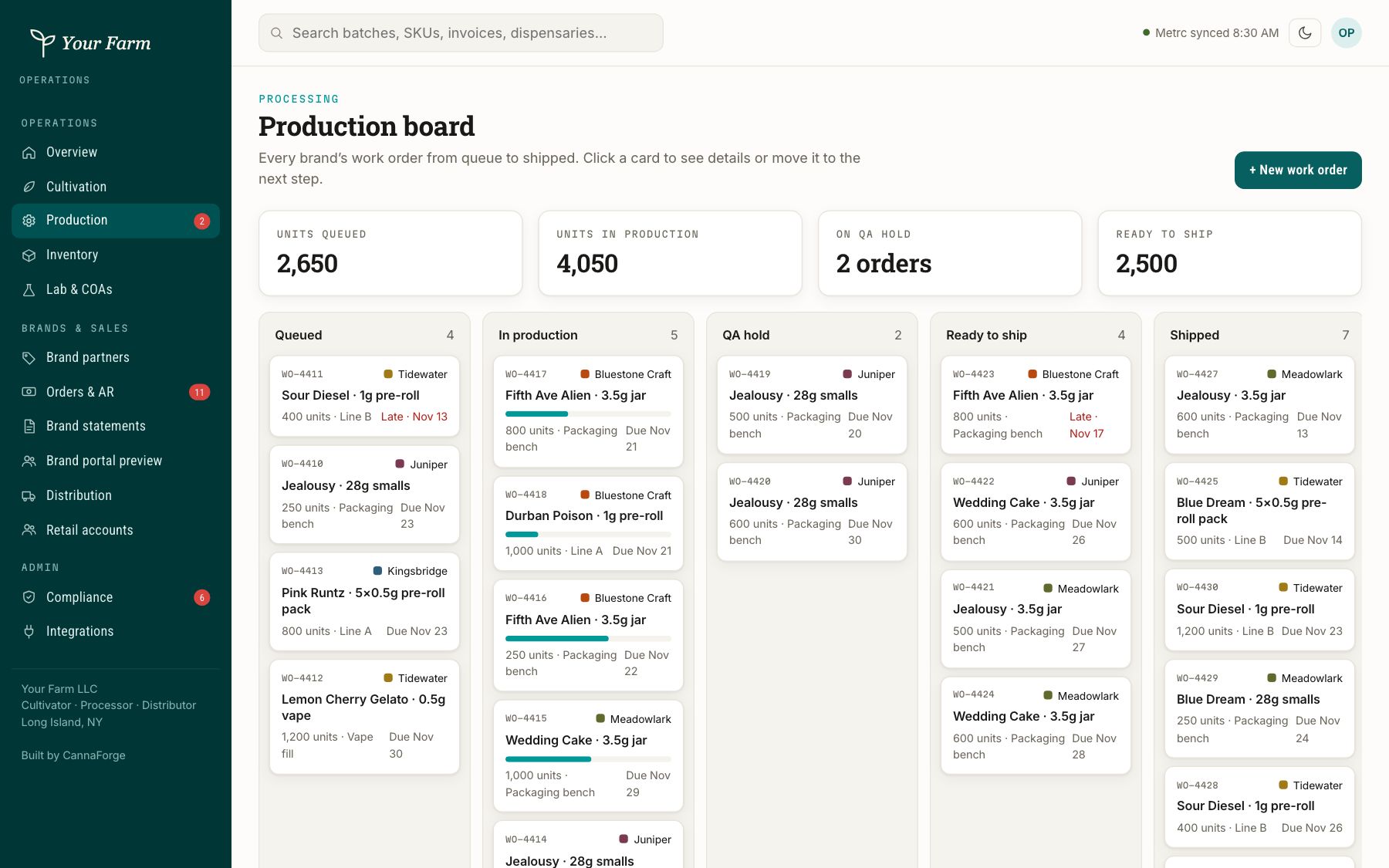
03 / 12
Work orders from queue to shipped.
Processing and packaging runs on a board, with QA holds that lock a lot until it passes.
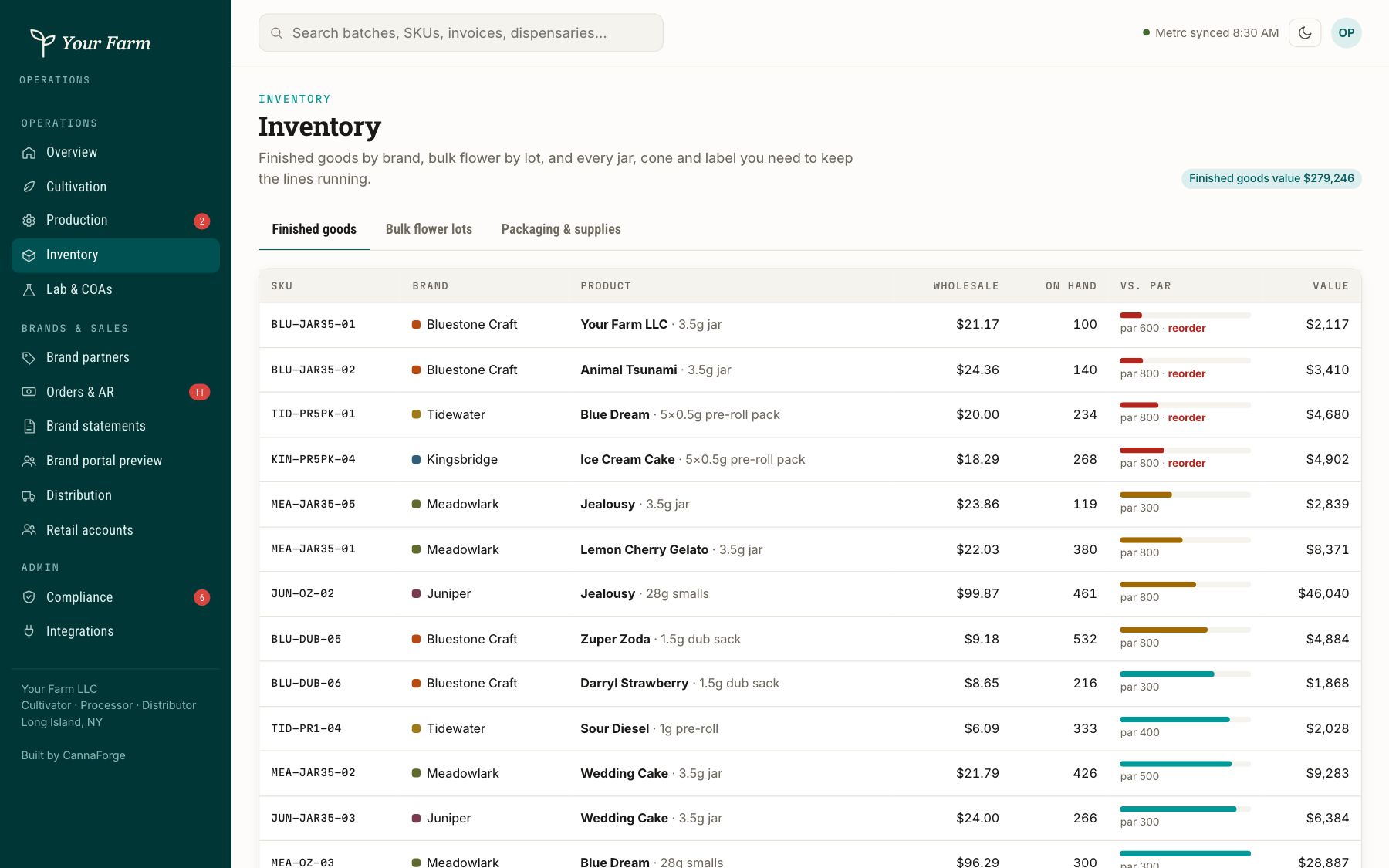
04 / 12
Finished goods and packaging.
What is in the vault, what is allocated to which brand, and which packaging runs out first.
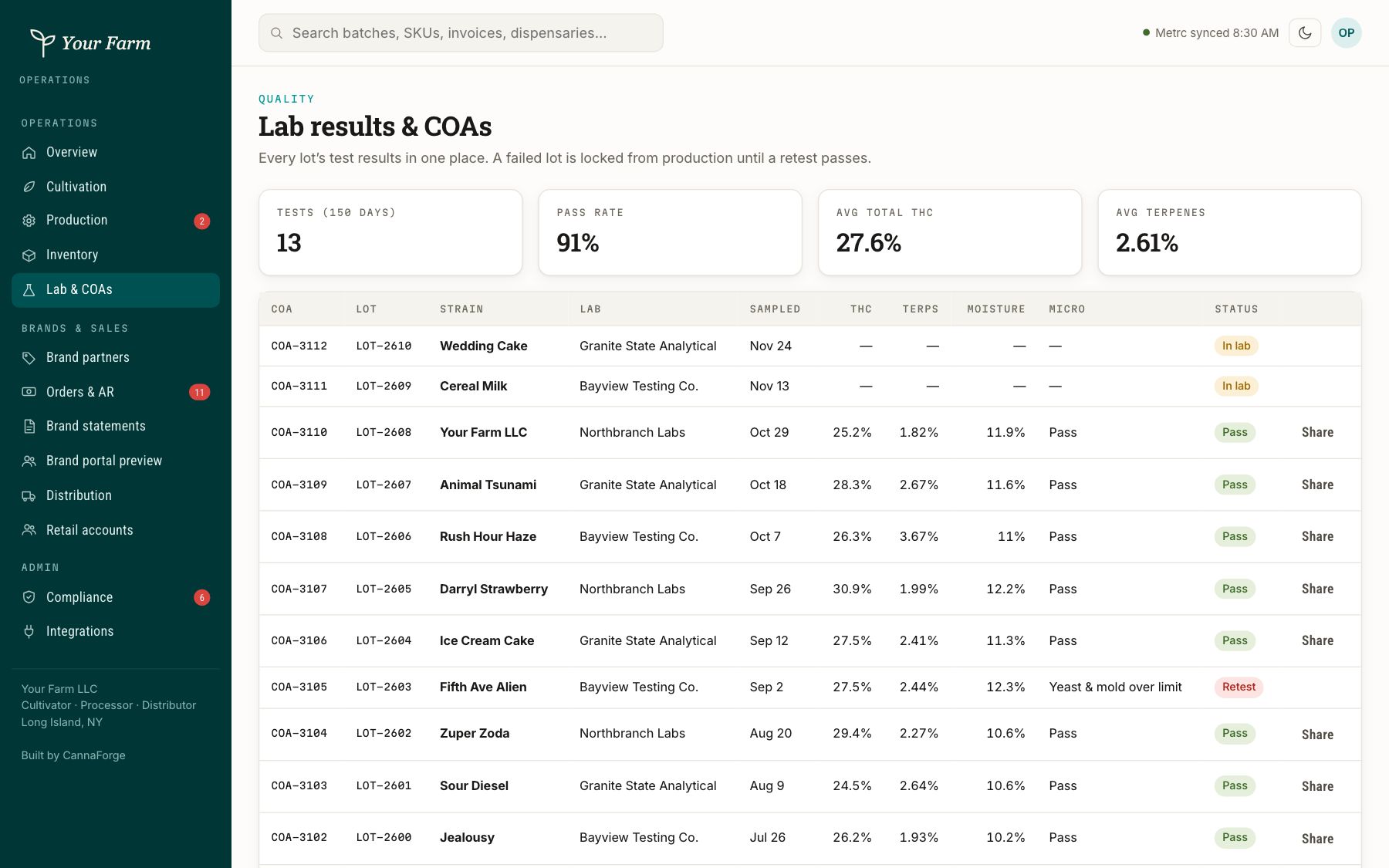
05 / 12
Lab results that gate the lot.
Retests, failures and passes tracked per lot, so nothing ships without a clean COA.
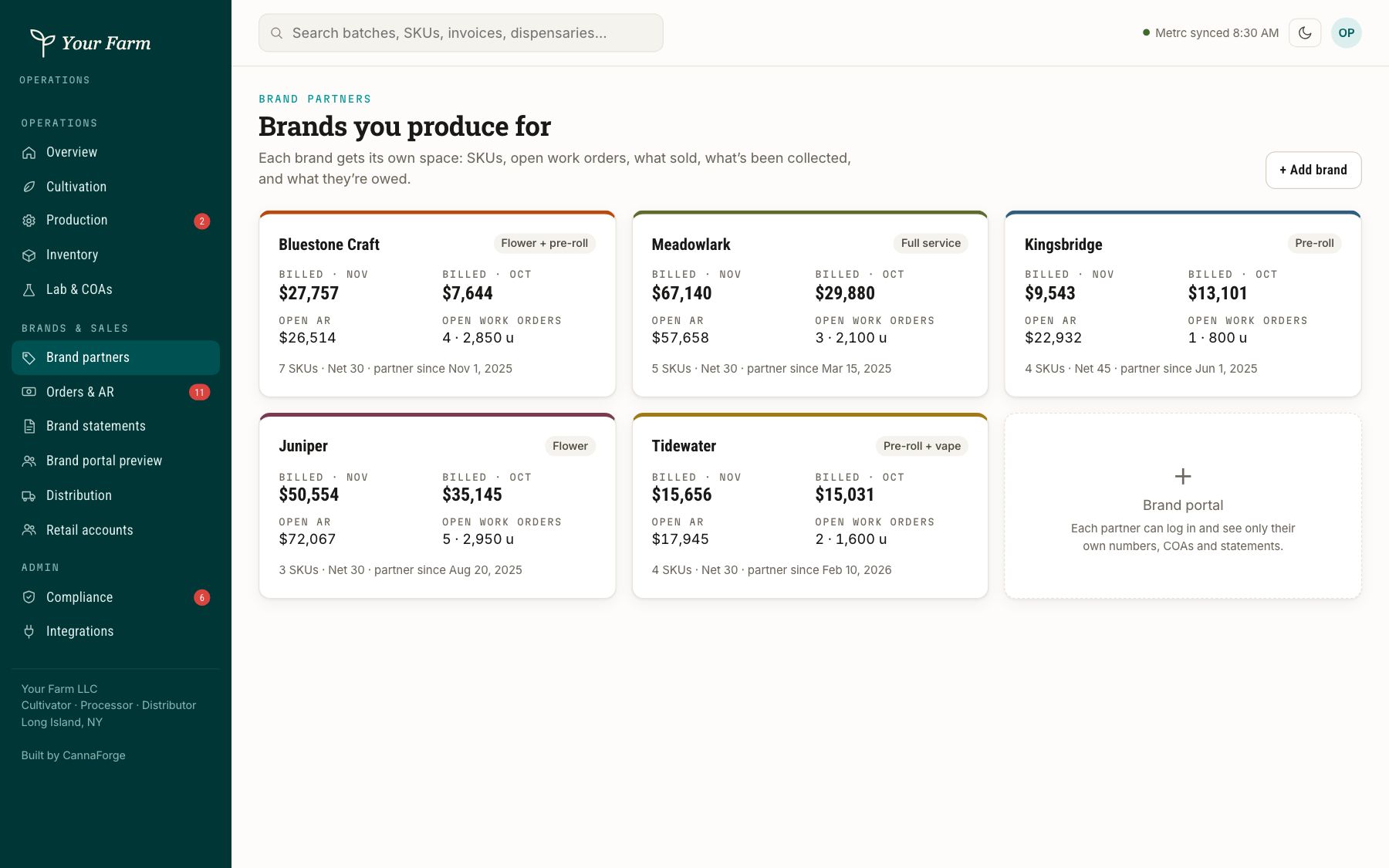
06 / 12
Every brand you produce for.
Billed, open receivables and open work orders for each brand partner.
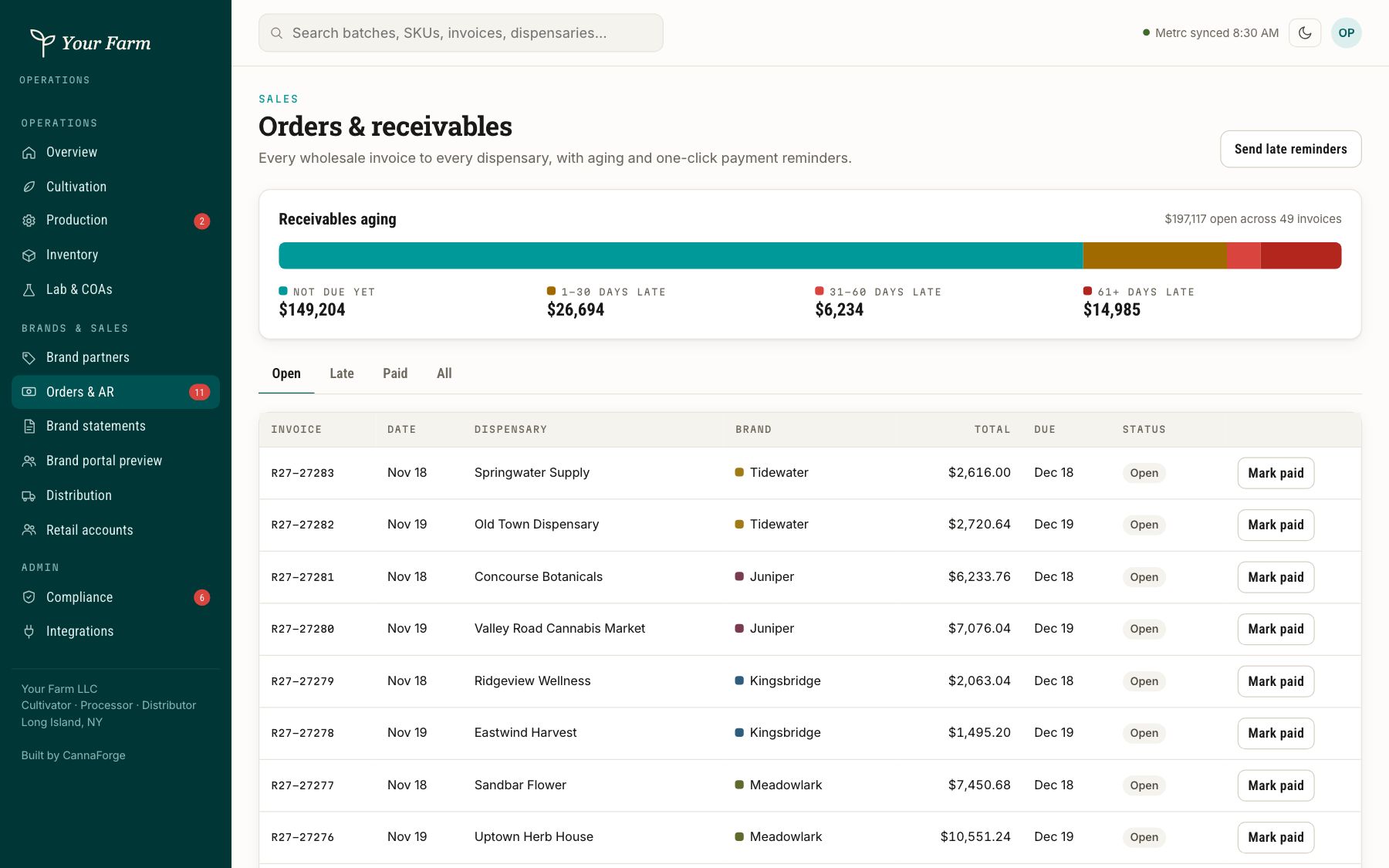
07 / 12
Every invoice, aged.
Wholesale invoices to every dispensary with aging buckets and one-click reminders.
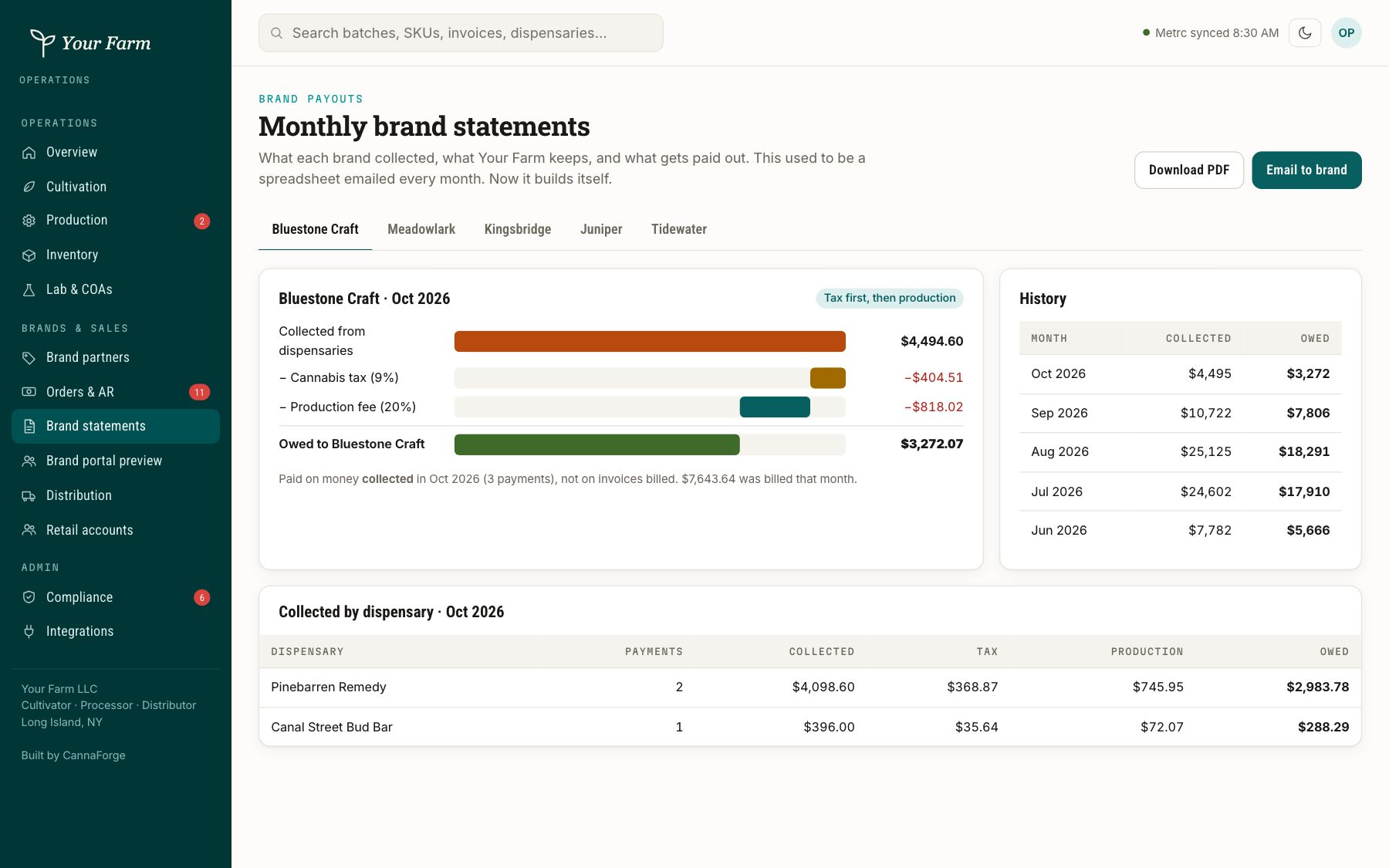
08 / 12
Monthly payouts that build themselves.
What each brand collected, what you keep and what gets paid out, ready to email.
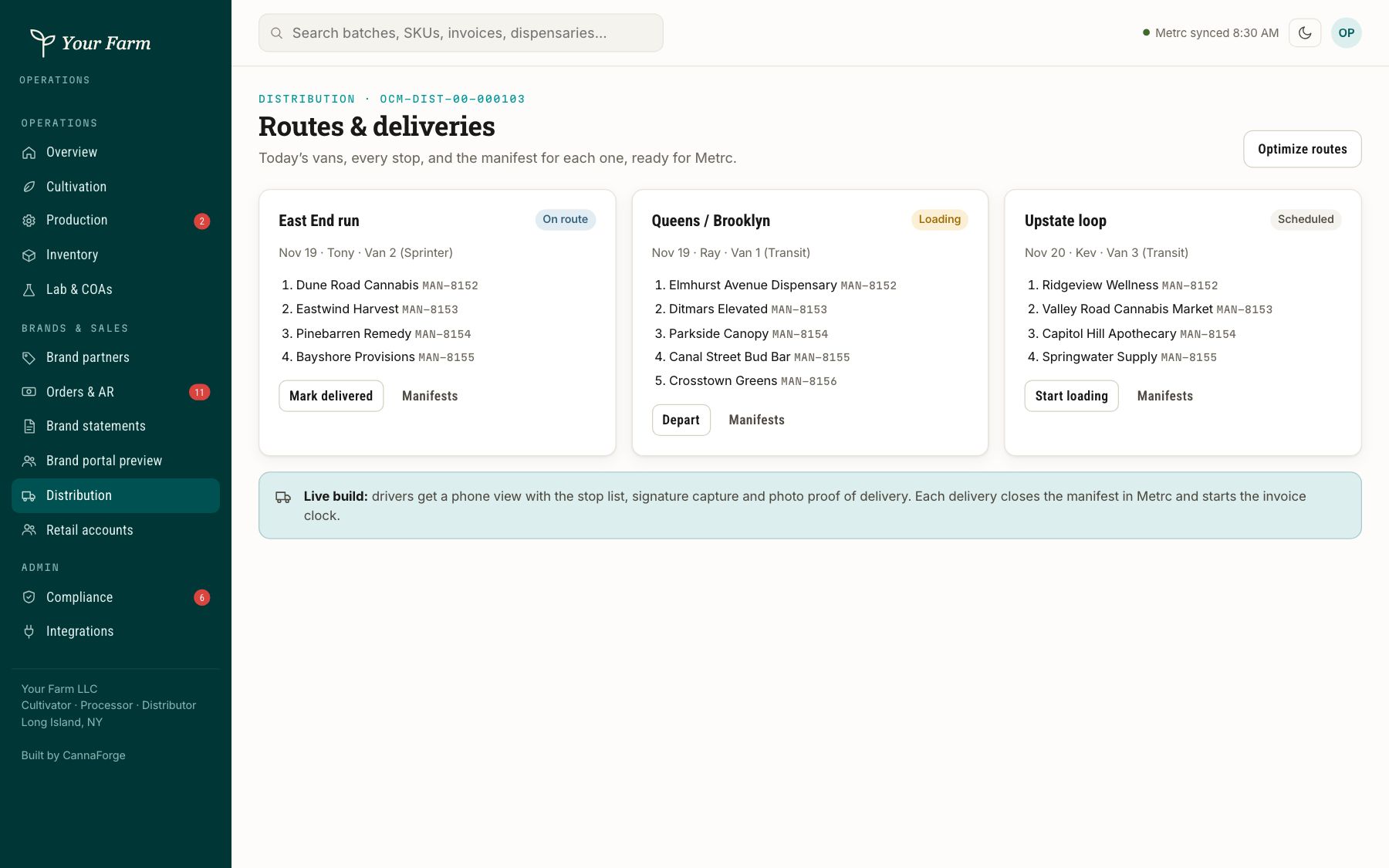
09 / 12
Routes and manifests for the day.
Vans, stops and the manifest for each run, ready for Metrc.
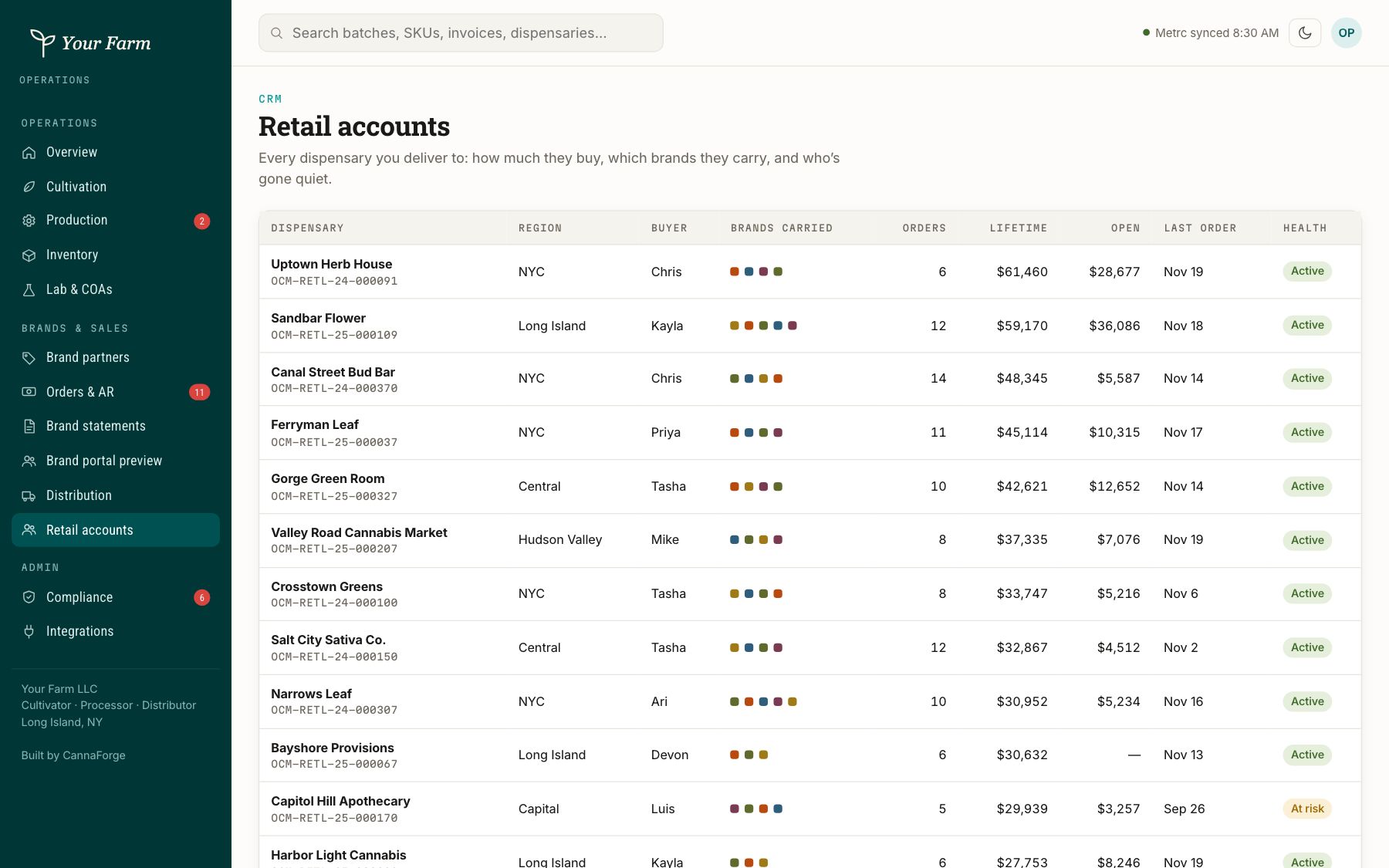
10 / 12
Every dispensary you deliver to.
Orders, balances and license details for each retail account.
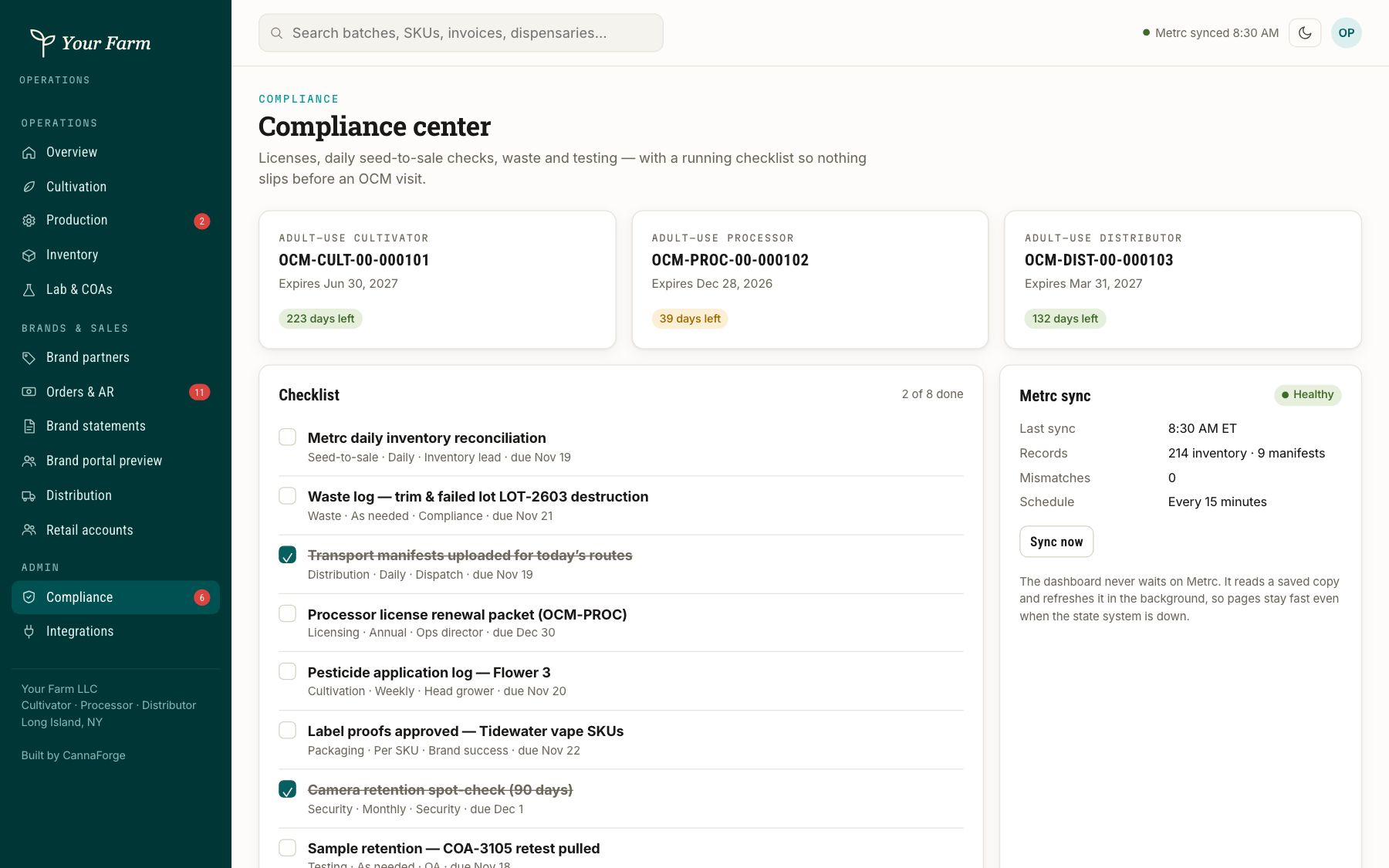
11 / 12
Licenses and the daily checklist.
Cultivator, processor and distributor licenses, seed-to-sale checks and waste logs.
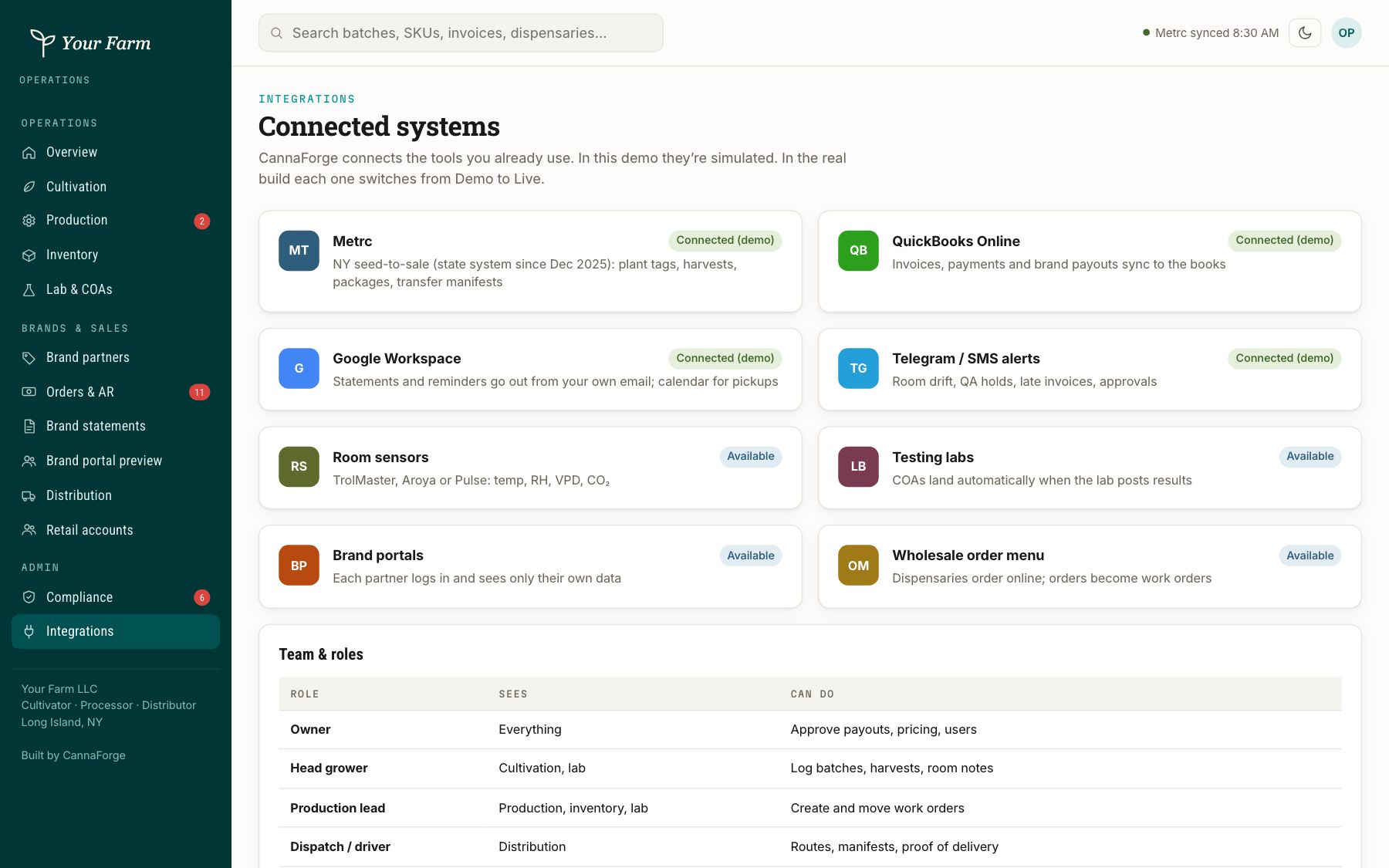
12 / 12
Wired into the systems of record.
Metrc, QuickBooks, Google and the rest, with sync health on one page.
One question so we show you the right demo.
What does your business do?
Want to see it with your own data?
On a thirty-minute call we walk through the demo, map how your team runs today, and show what your version would look like.
Book a call